When it’s due.Where it goes next.
Nuvix is a personal log for people on a weekly or daily injectable treatment. You log each dose and the app shows when the next one is due and which site comes next.
For iPhone, in Spanish and English.
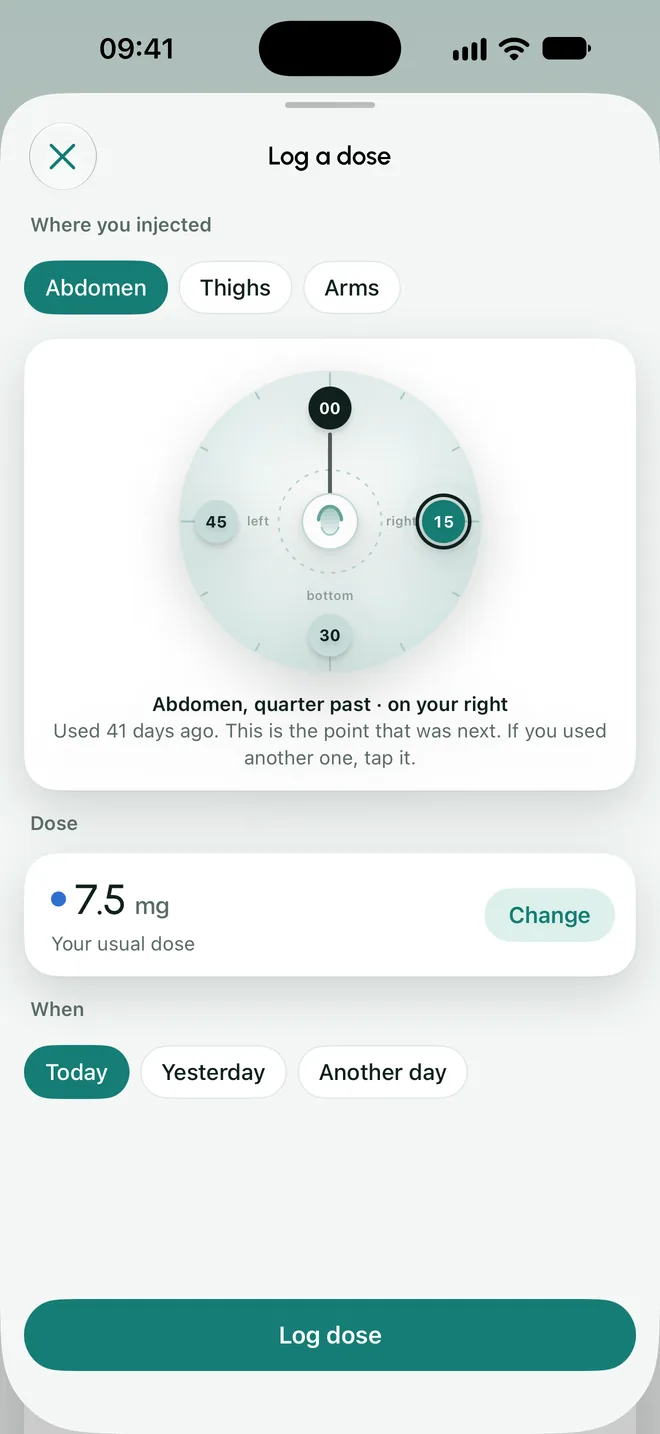
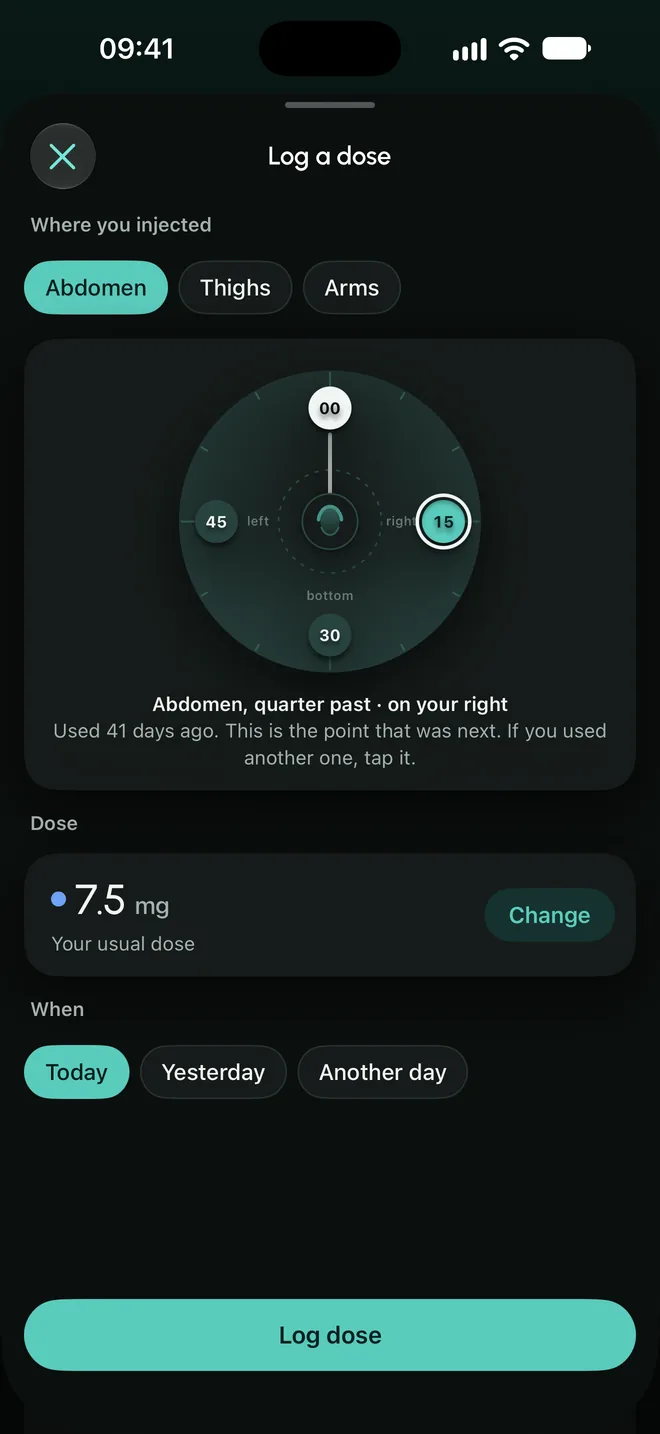
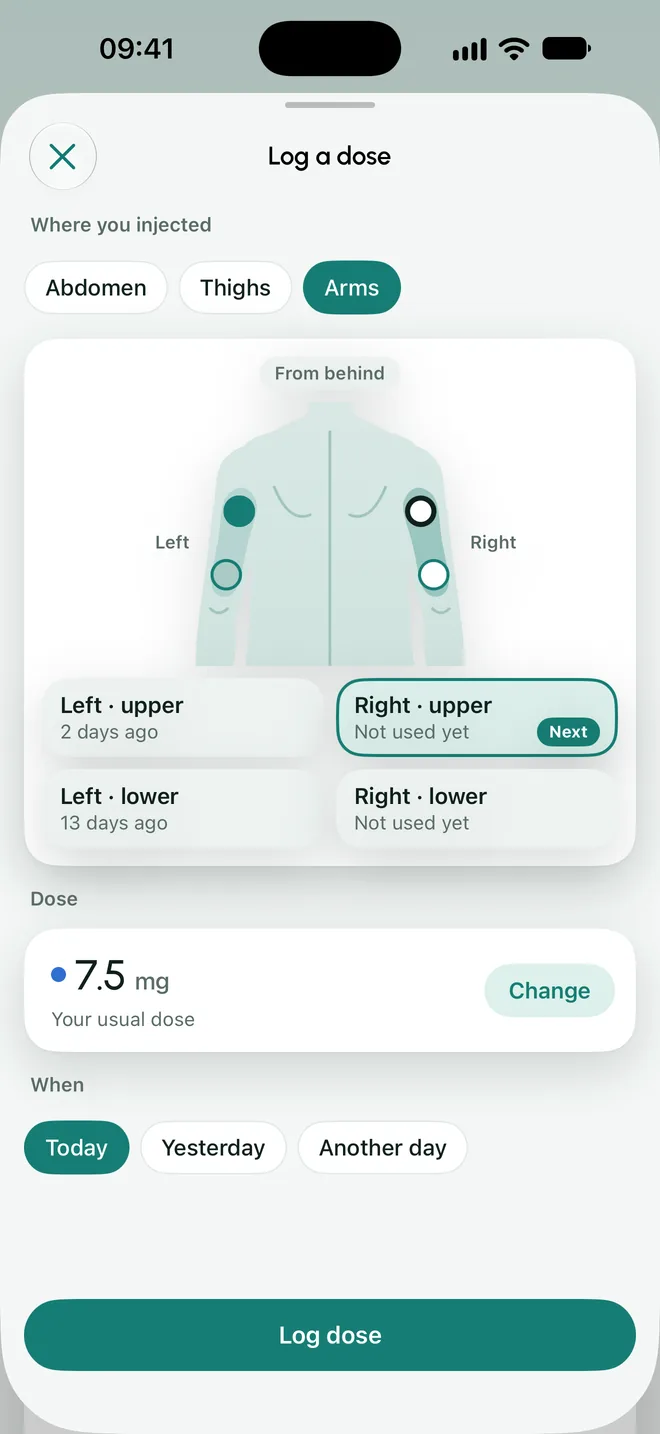
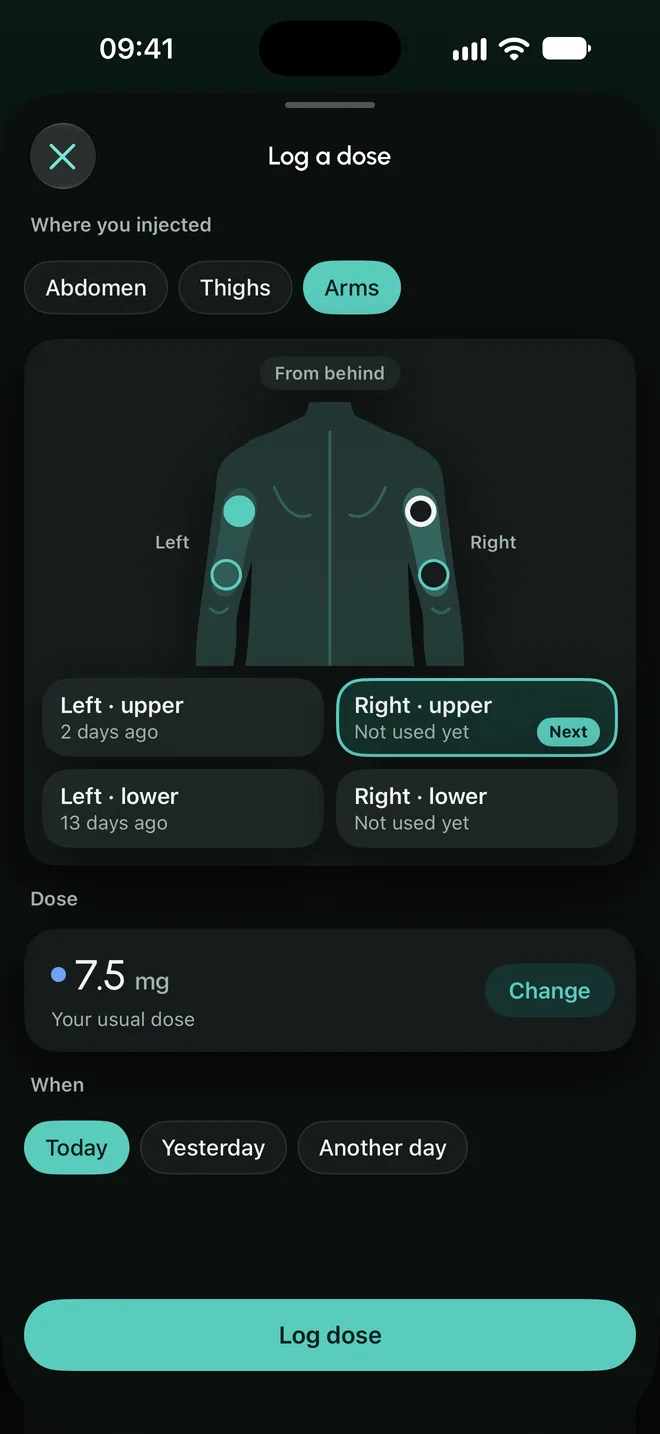

On dose day, everything on one screen.
The date and the site matter more than the time. Nuvix keeps both and never makes you type more than you need.
You log the dose
You mark where it went and on which day. The dose is already filled in: it is the one you entered as prescribed by your doctor.
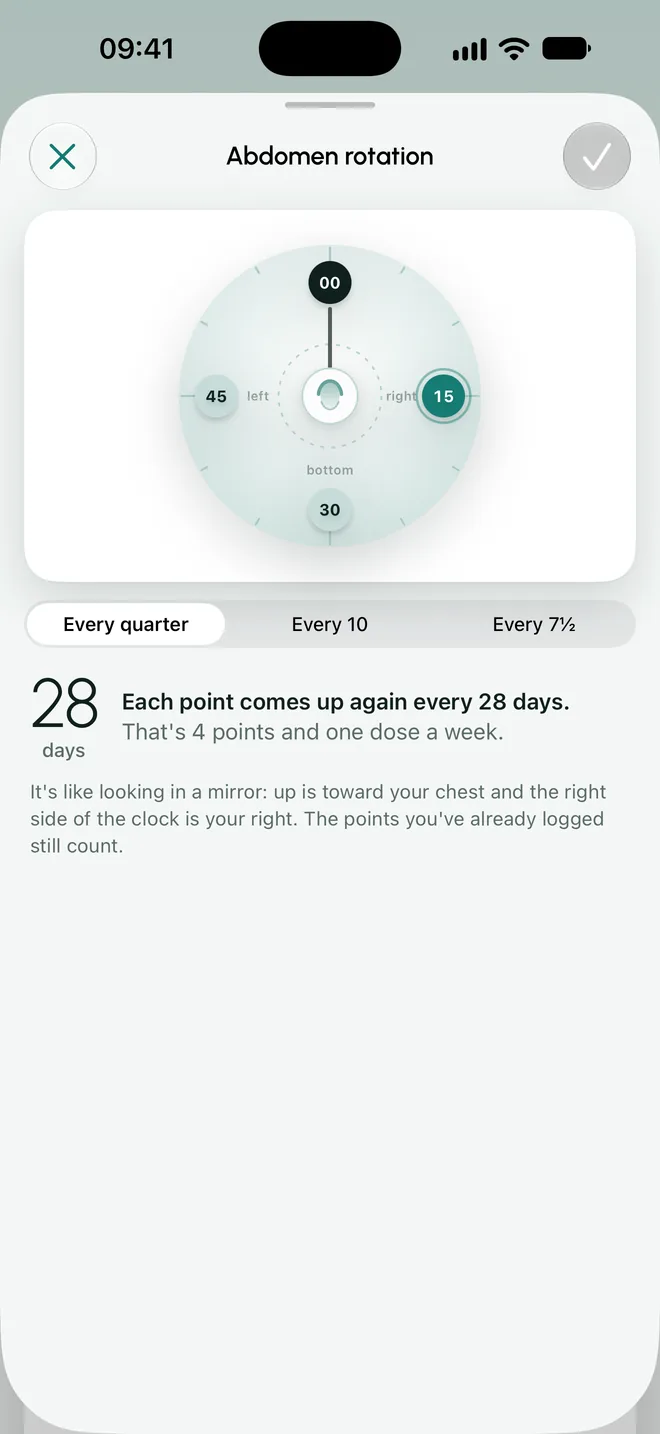
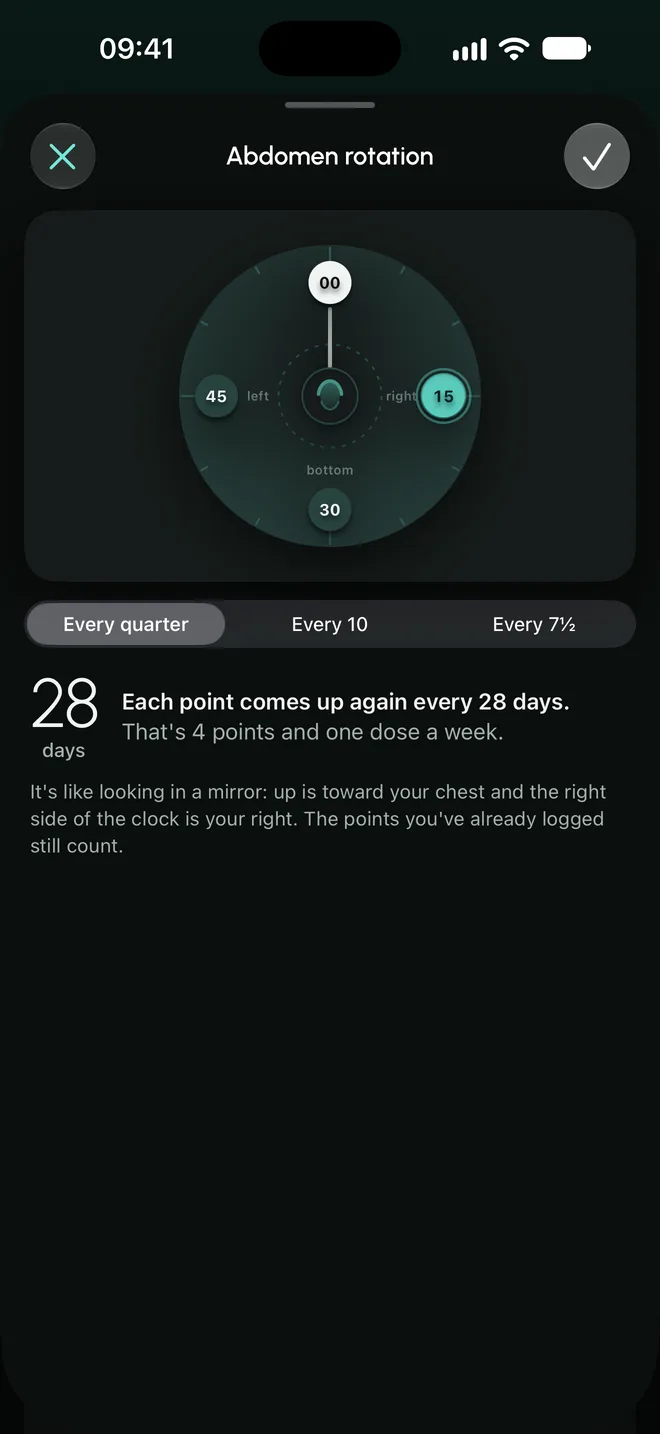
The abdomen, as a clock
The rotation goes around the navel, seen as in a mirror. You choose how many points it has, and the app tells you how many days pass before each one comes up again.
Thighs and arms
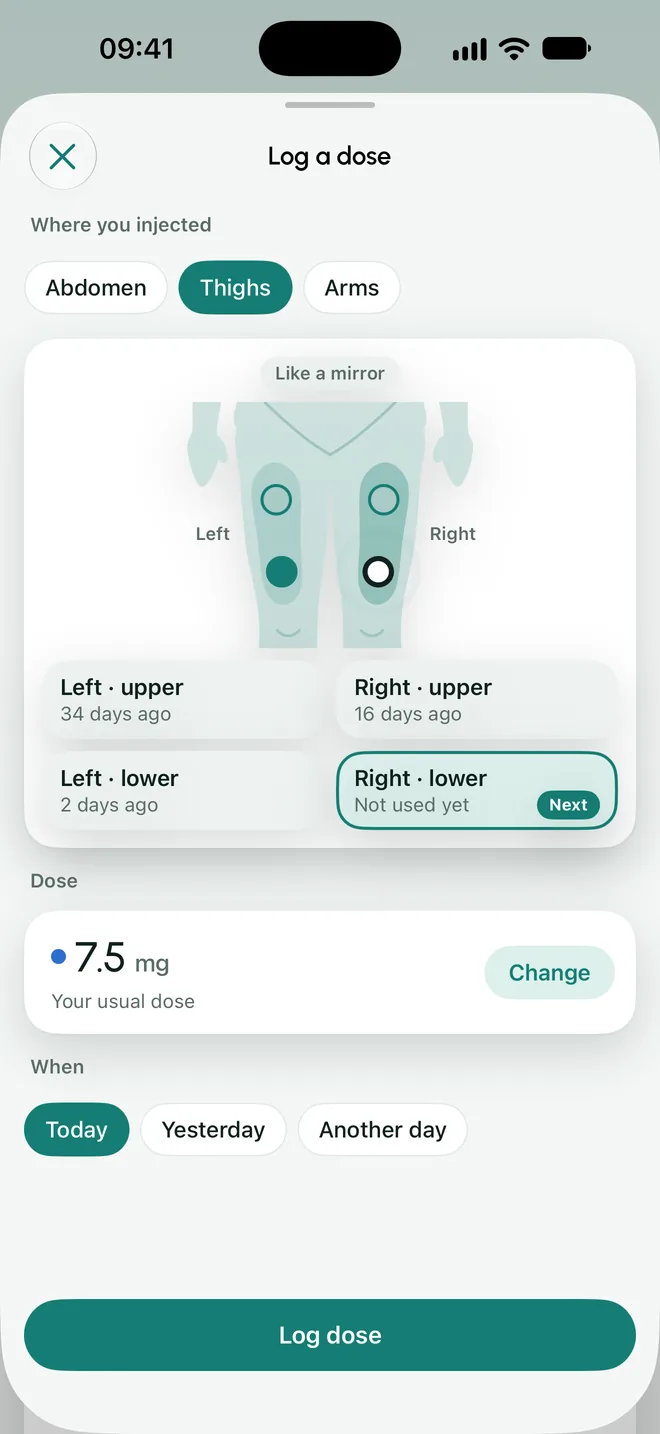
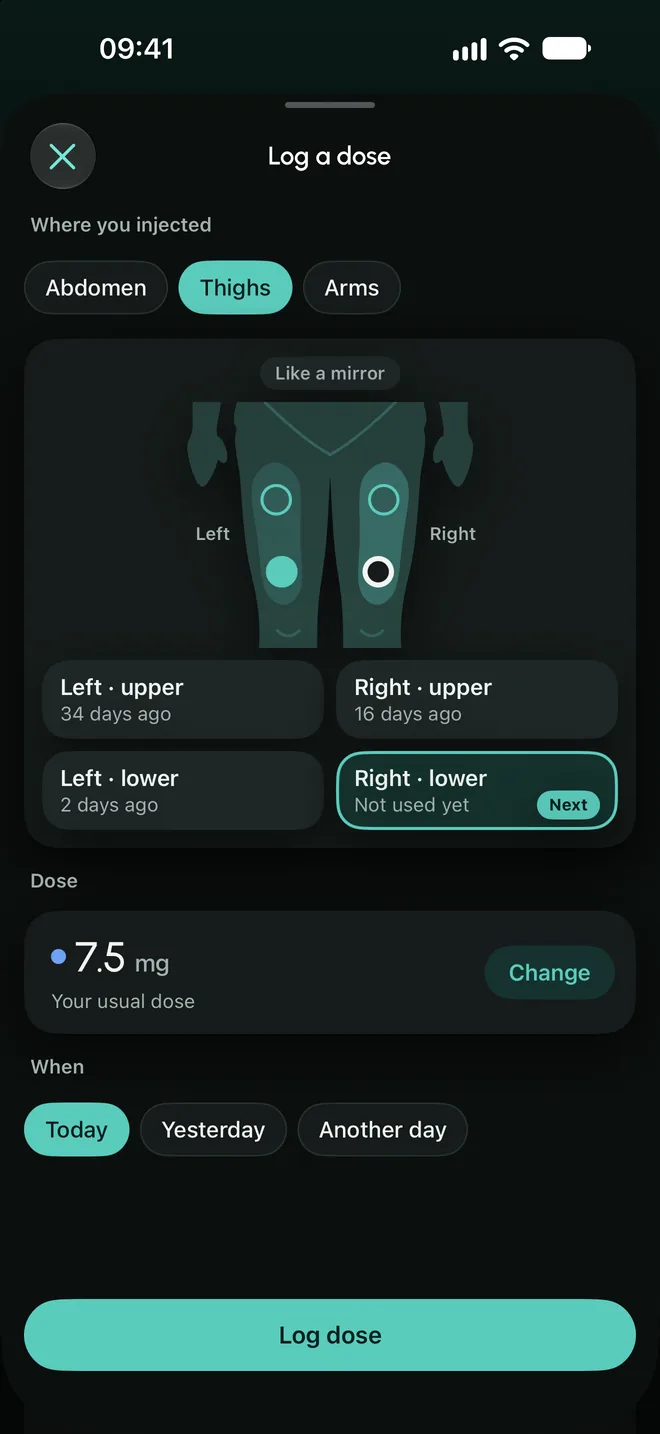
Each thigh and each arm has two sites, upper and lower. Nuvix shows which one was last and which one is next.
It is an aid to avoid repeating the same spot. Where to inject is for your doctor and the package leaflet to say.
One reminder, on the day
At the time you choose. It says “It’s due today” and nothing else: it never names the medication or the dose, so it is safe to read on a locked phone.
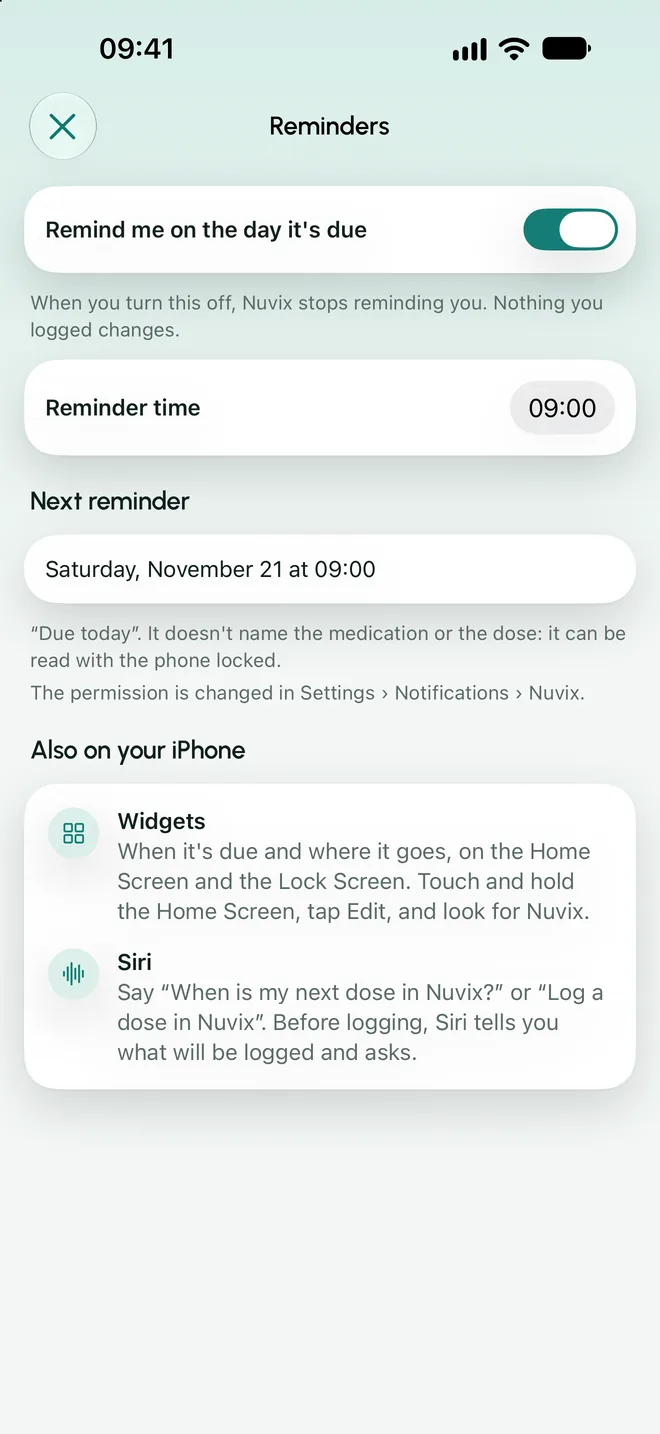
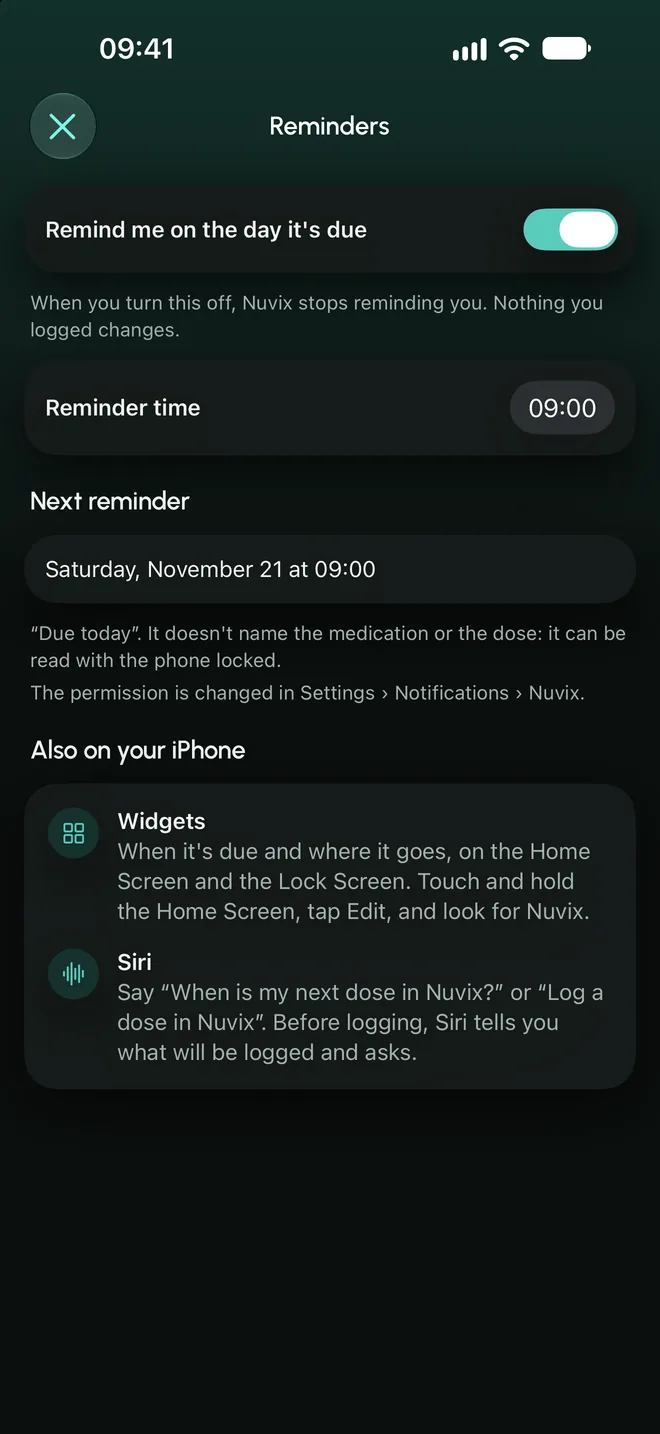
The rest of the week, entries that take seconds.
What changes around your treatment, logged in the moment and without cluttered screens.
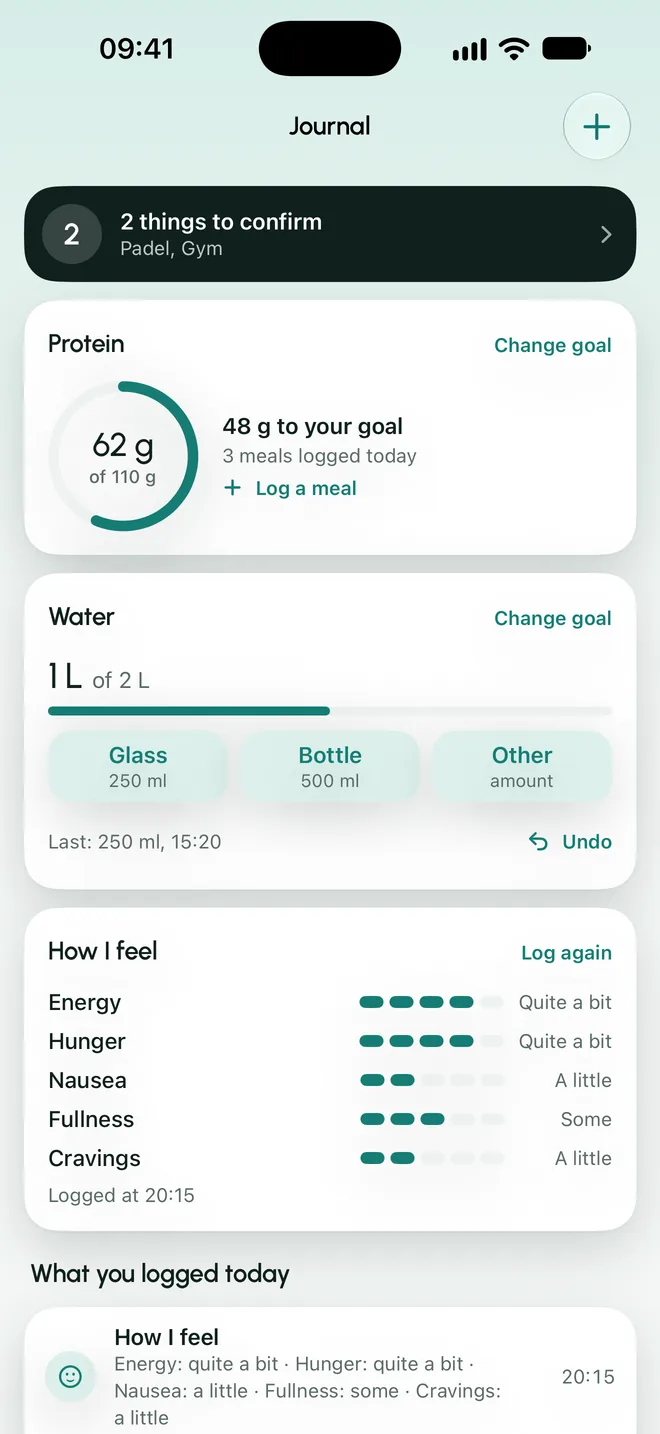
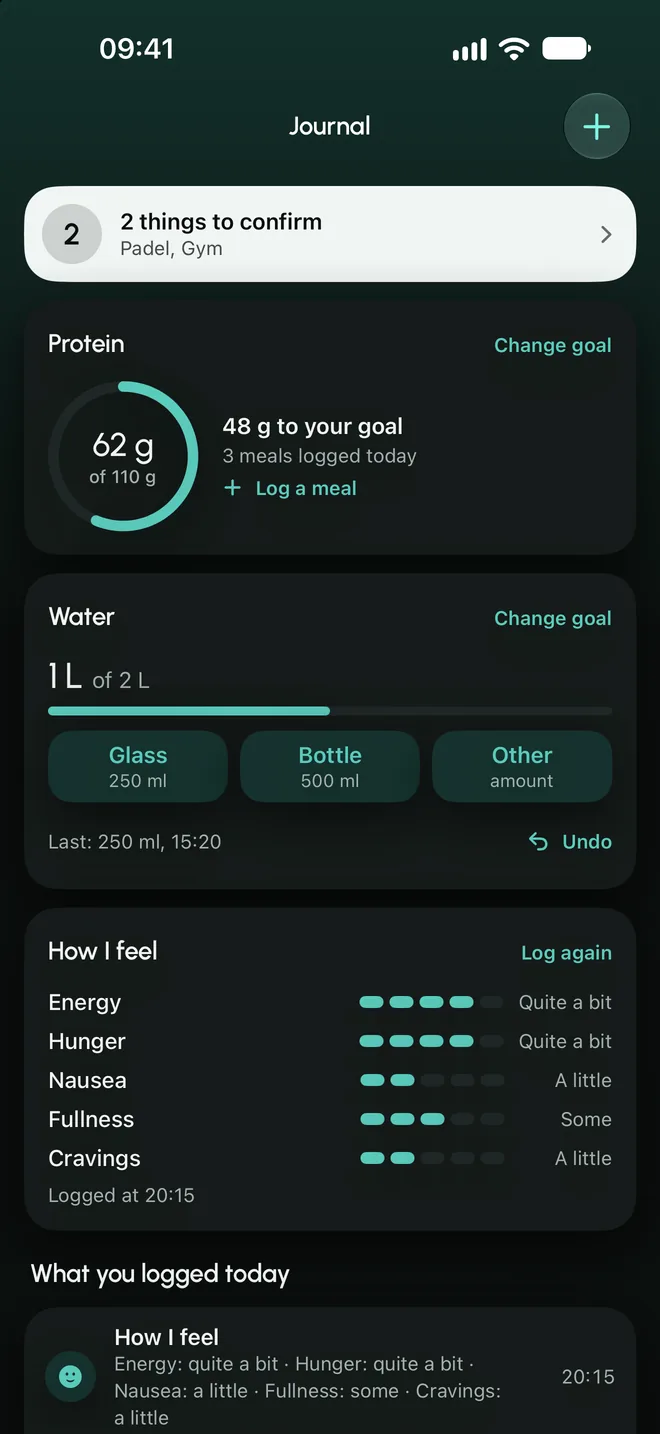
Journal
Protein against the goal you set, water and how you feel, on a single screen.
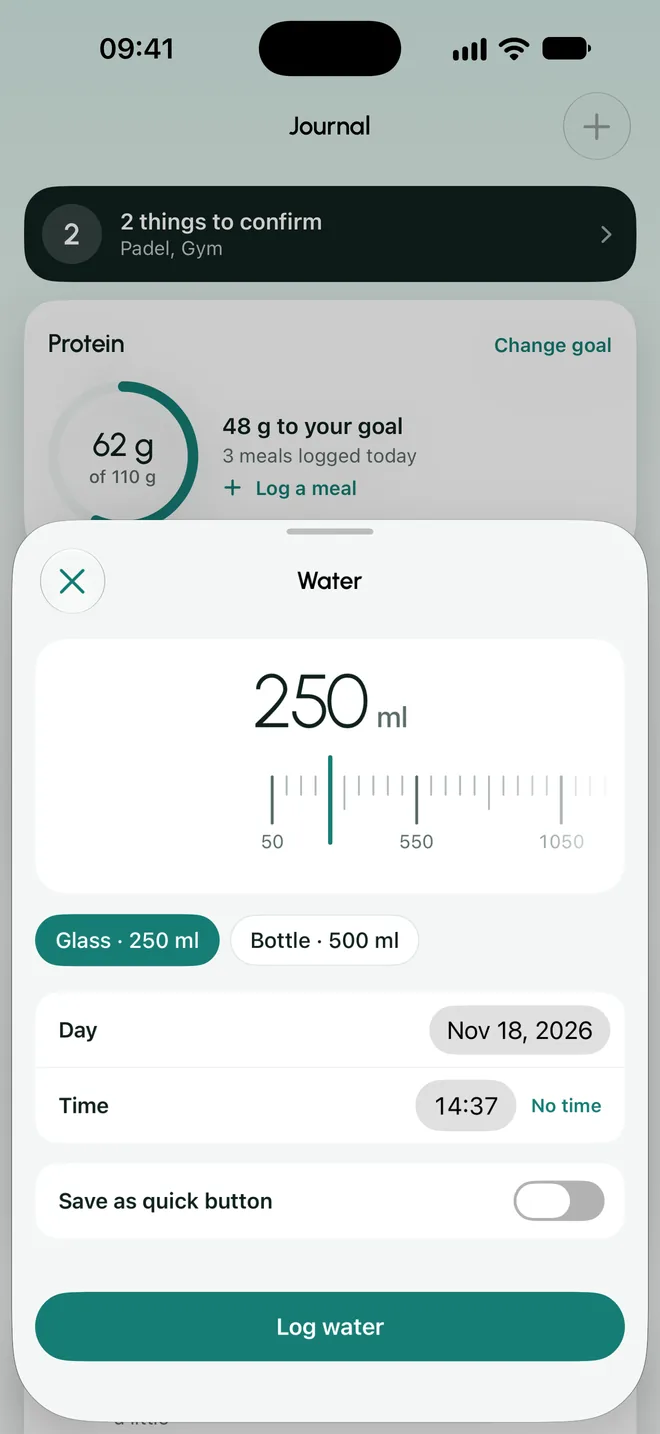
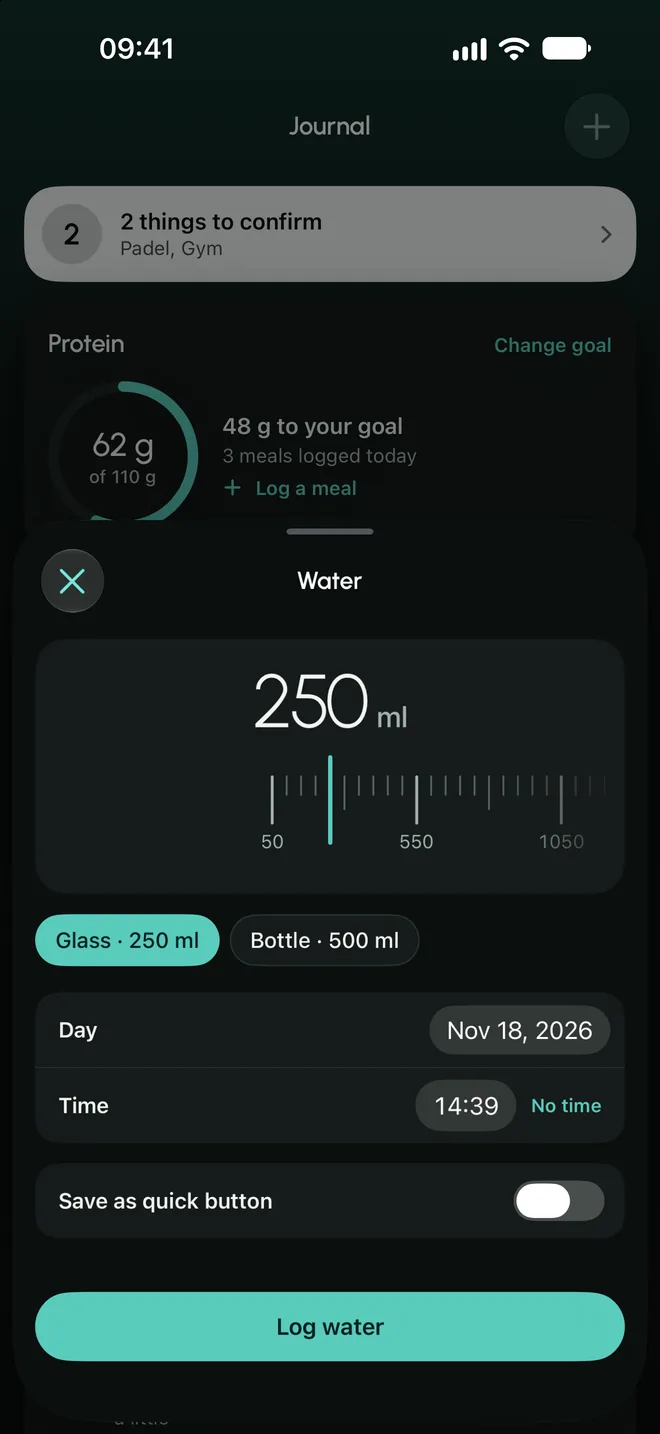
Water
A glass or a bottle in one tap, plus your own quick buttons.
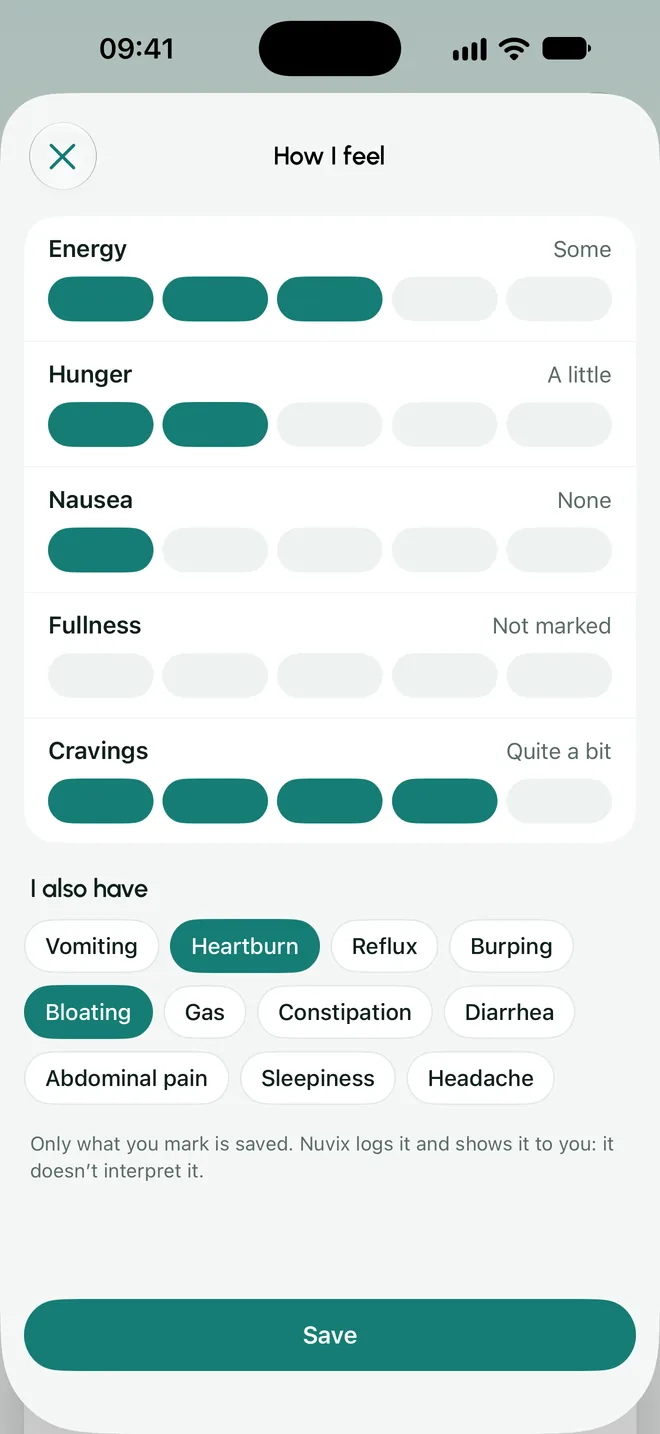
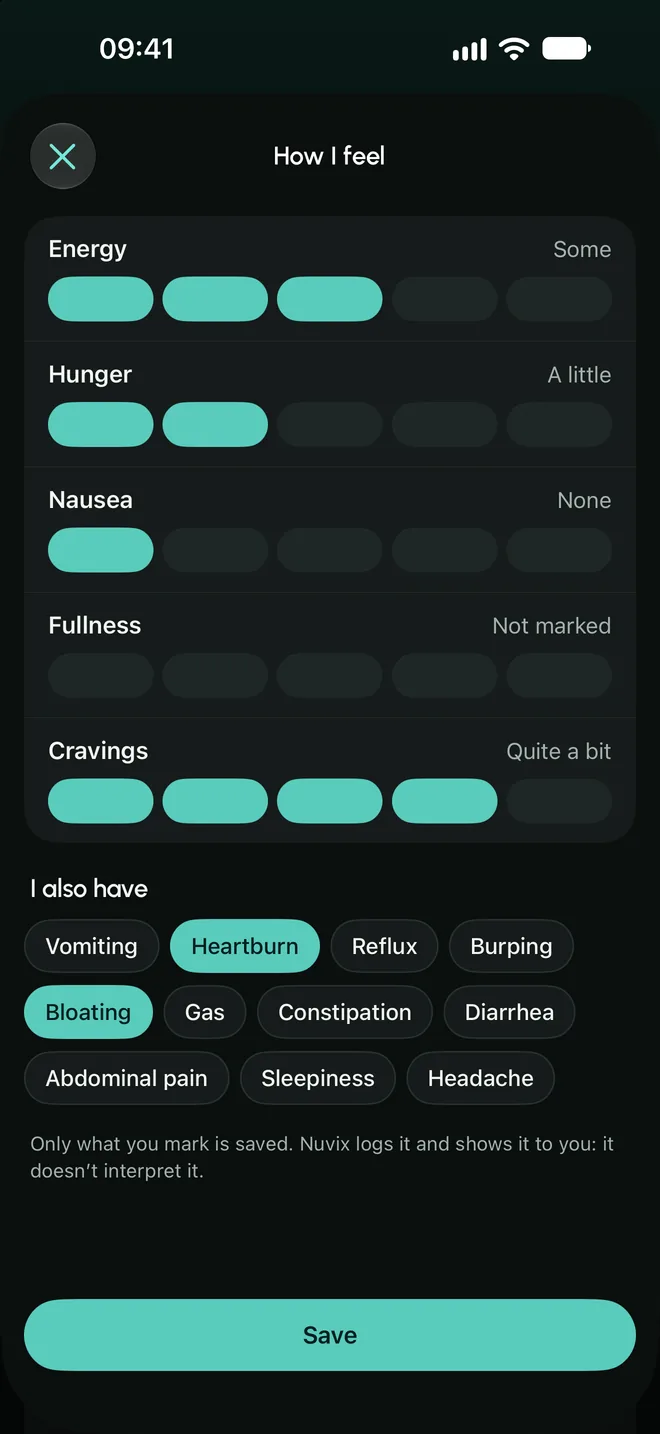
How I feel
Energy, hunger, nausea, fullness and urge to snack. It is logged; the app does not interpret it.
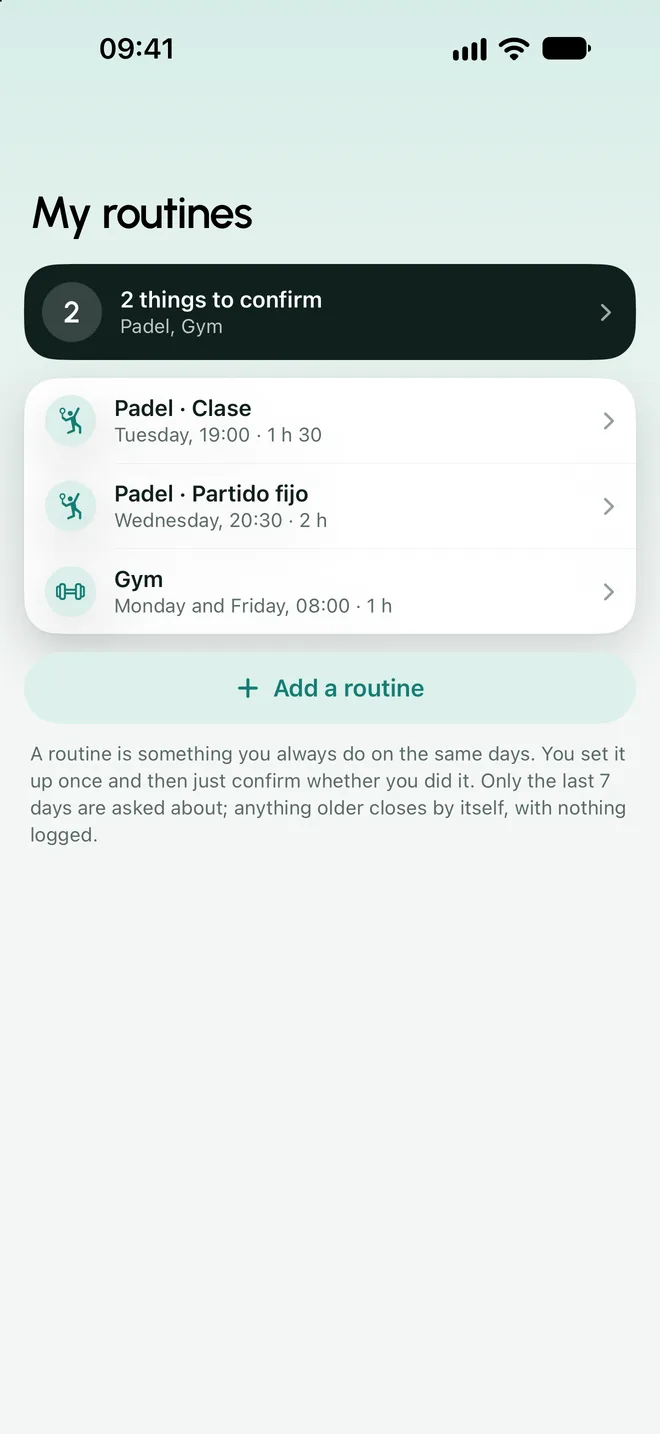
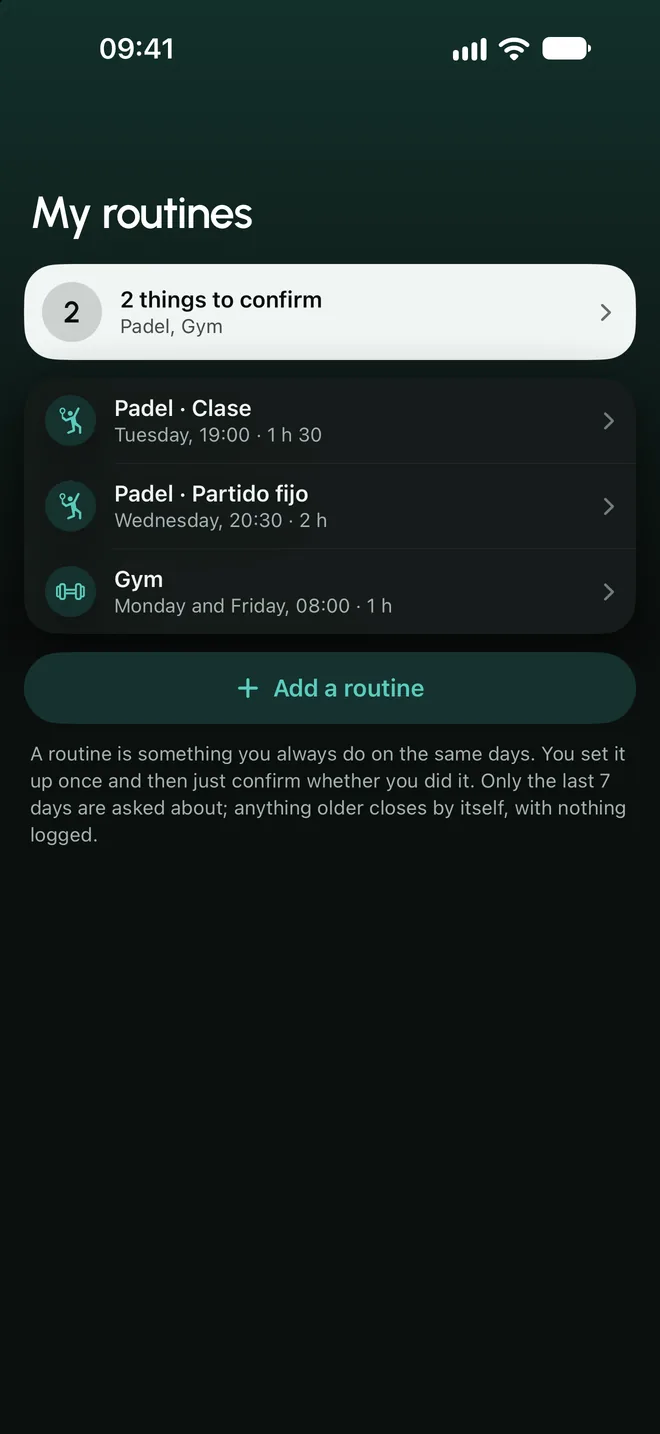
Routines
What you always do on the same days is confirmed with one tap.
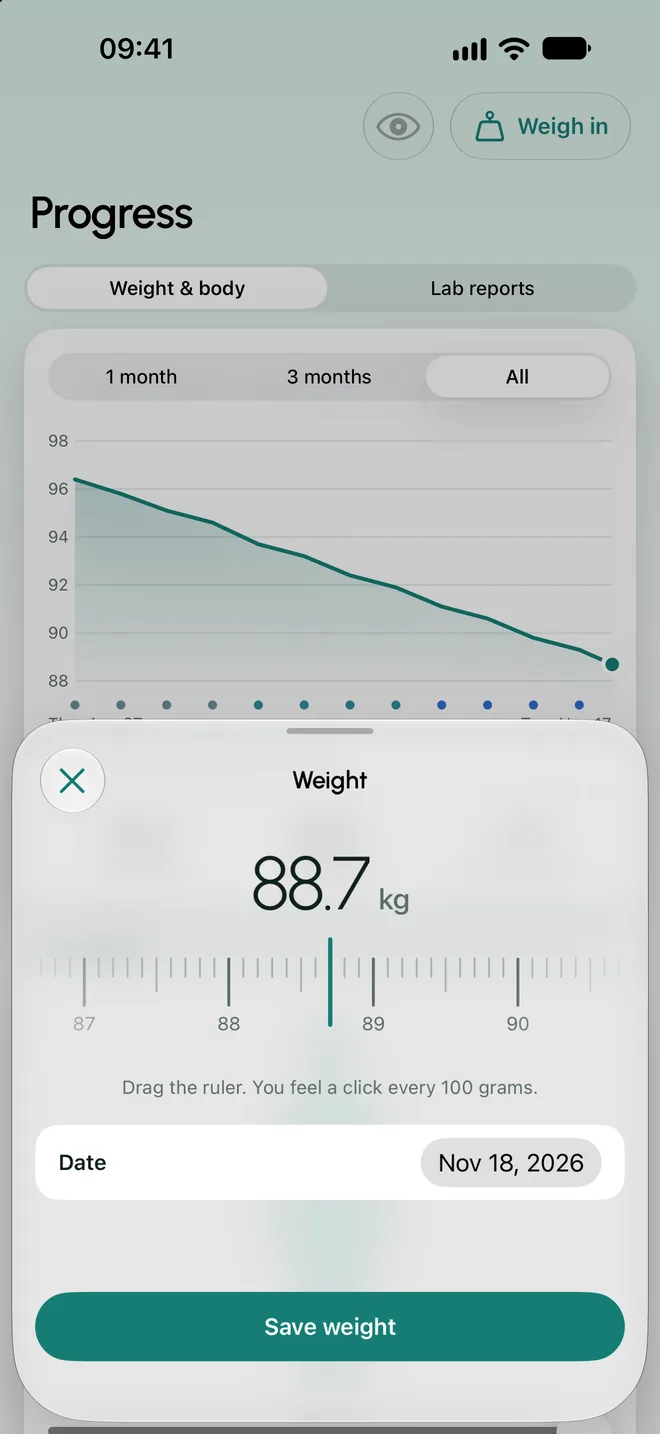
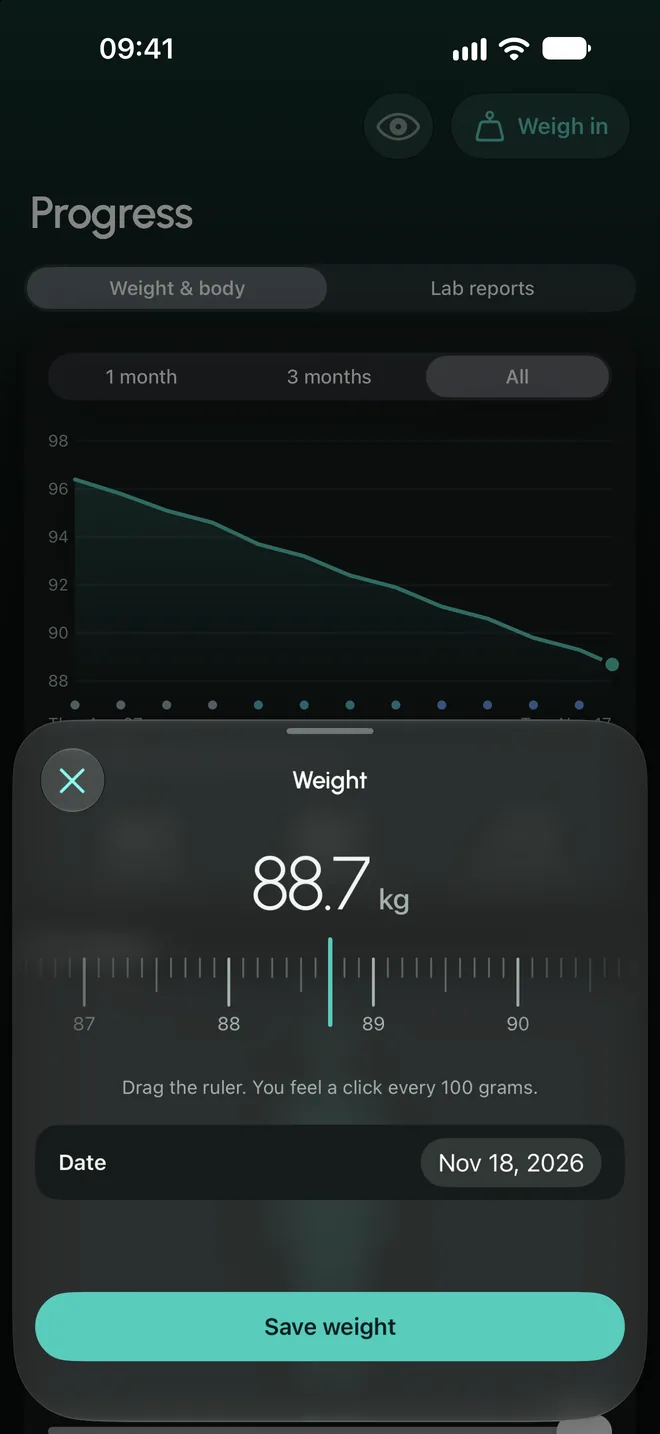
Weight
A ruler you slide, 100 grams at a time. It can also read it from Apple Health, with your permission.
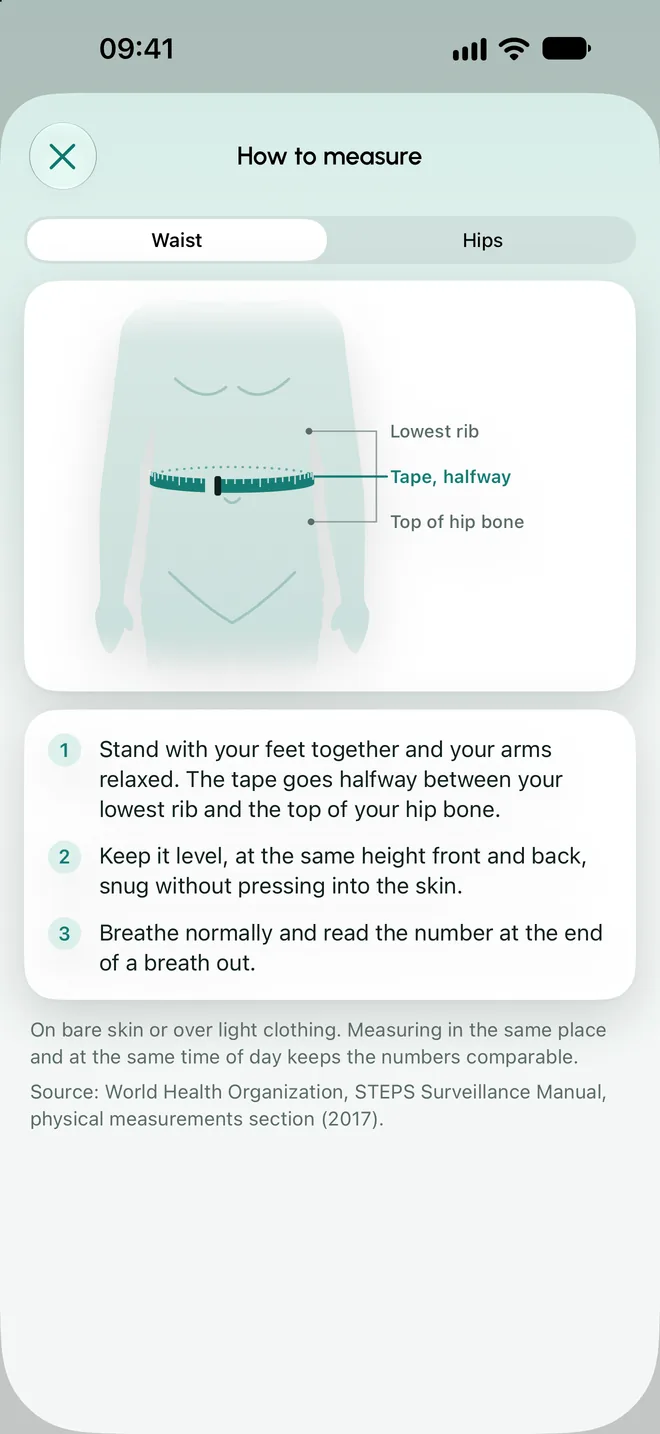
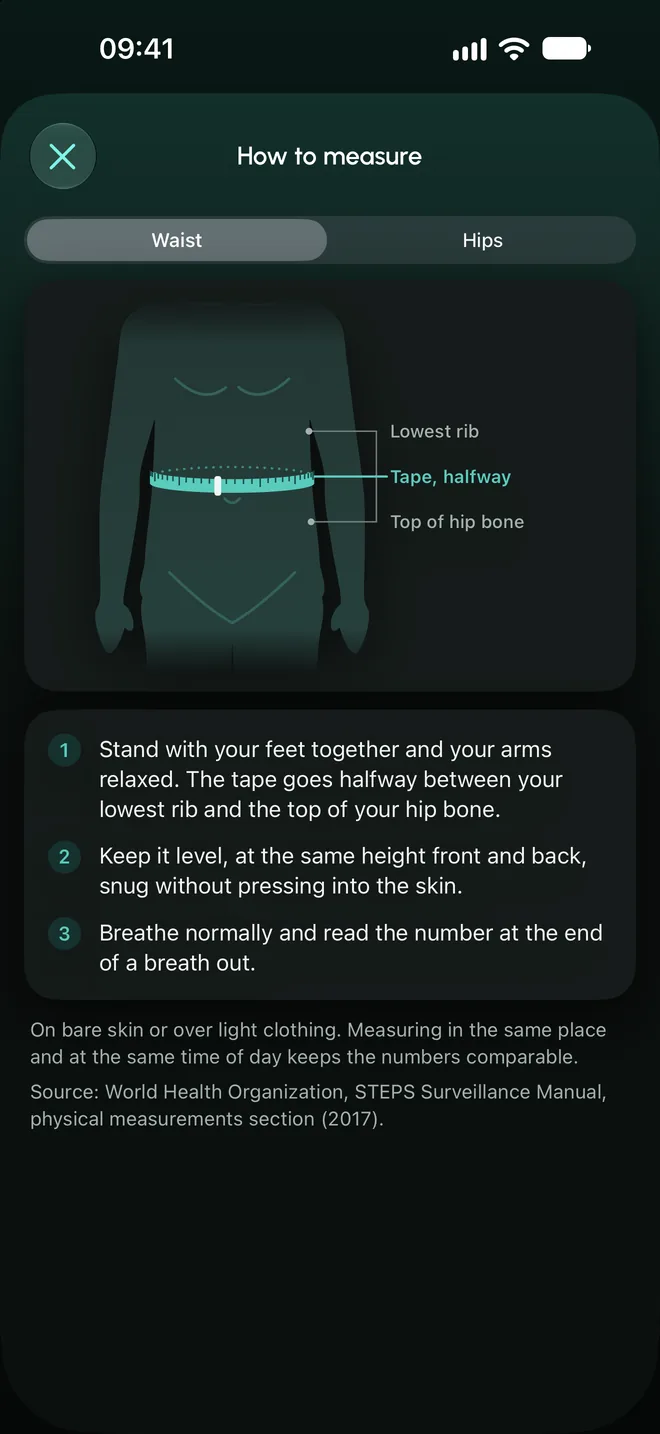
Measurements
Waist and hips, optional, with a drawing of how to measure.
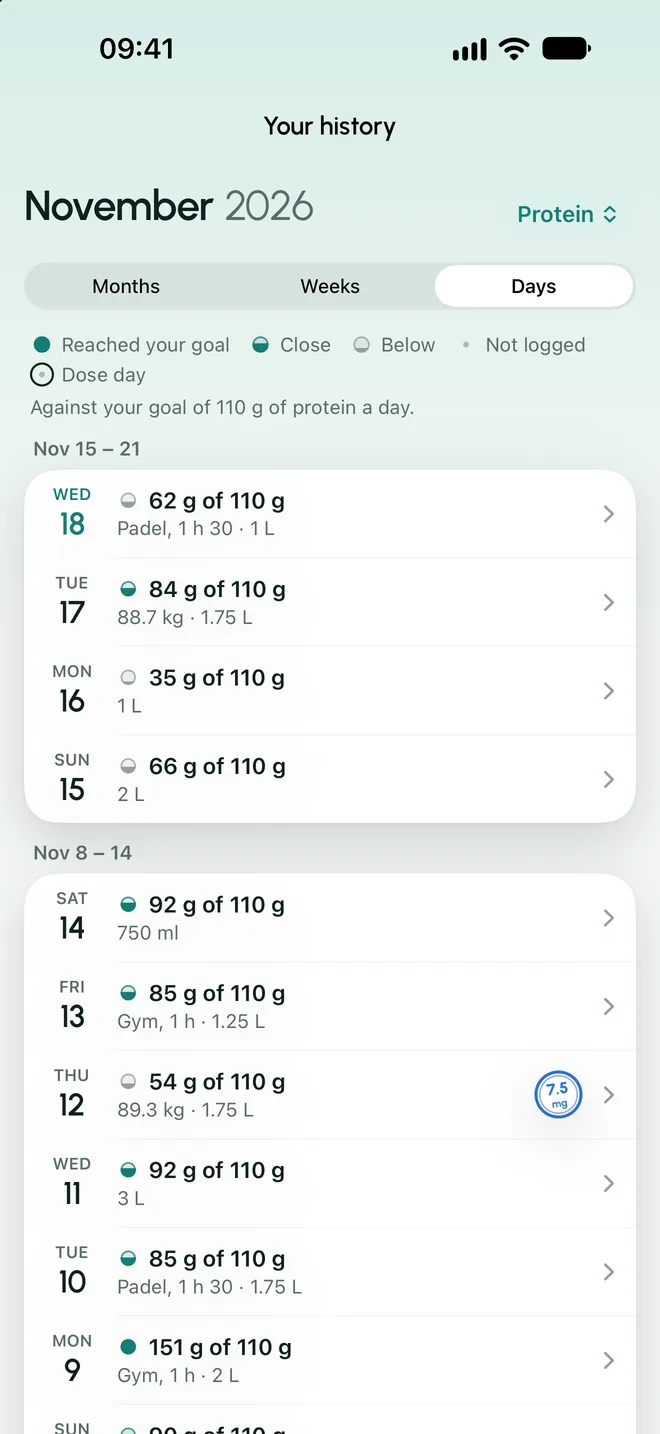
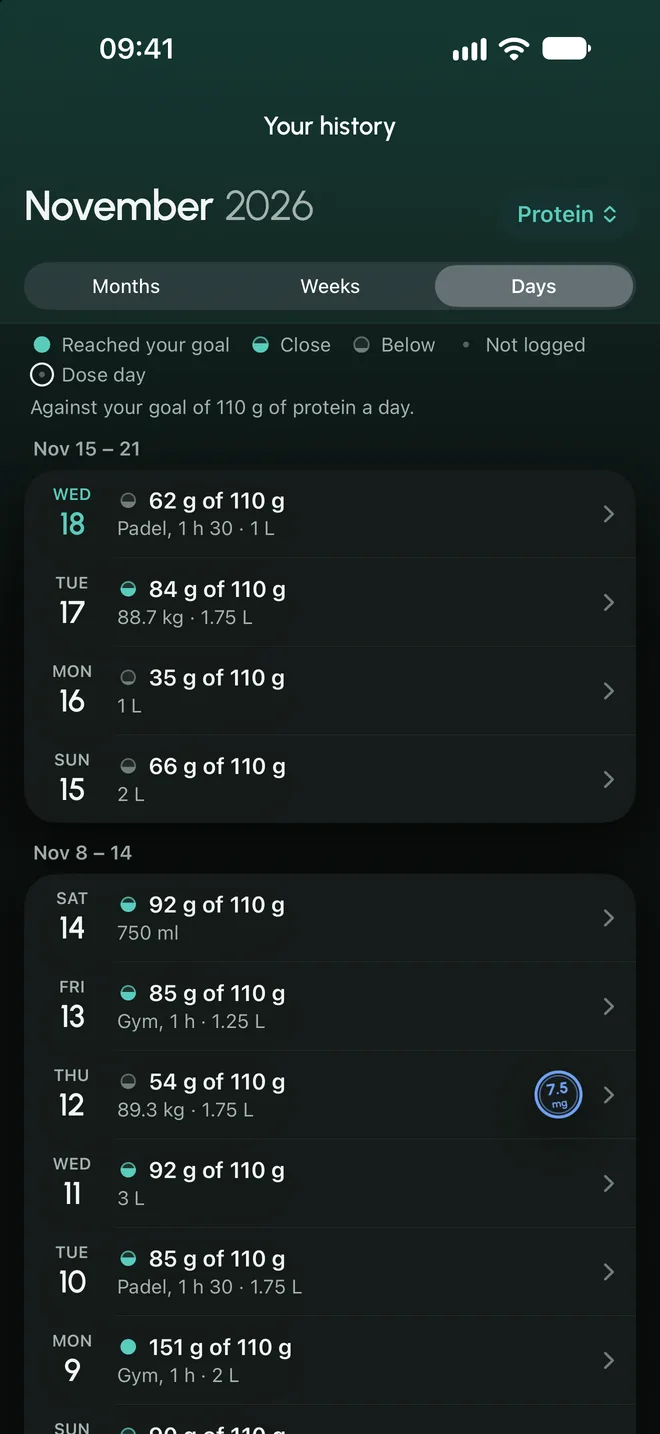
Your history
Everything you logged by month, week and day, with dose days marked.
Tell it about your day. You confirm.
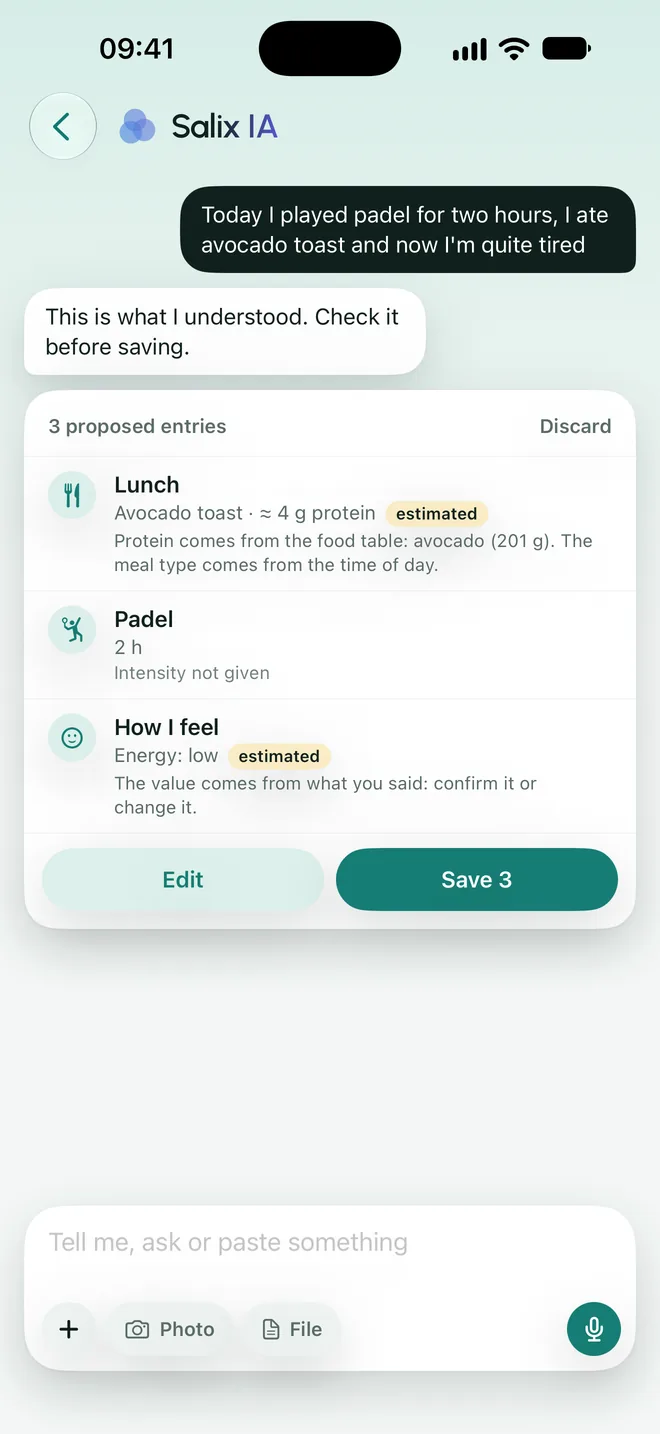
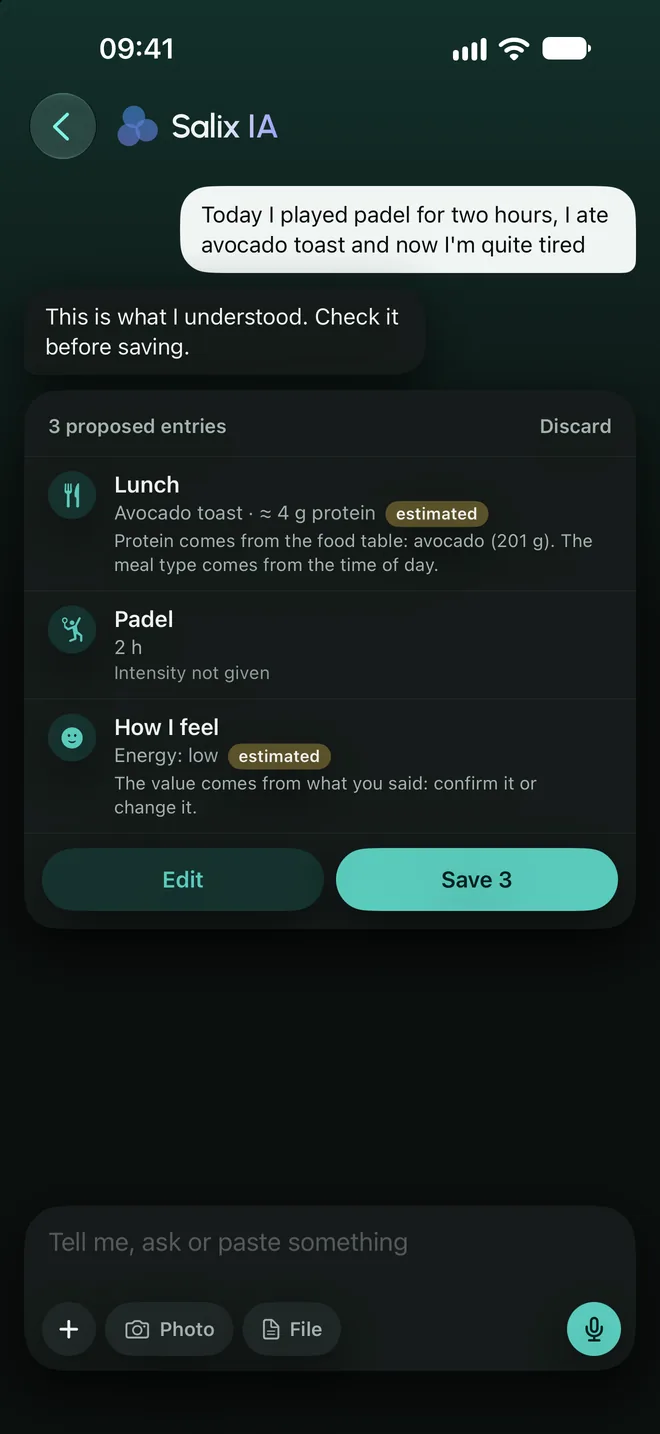
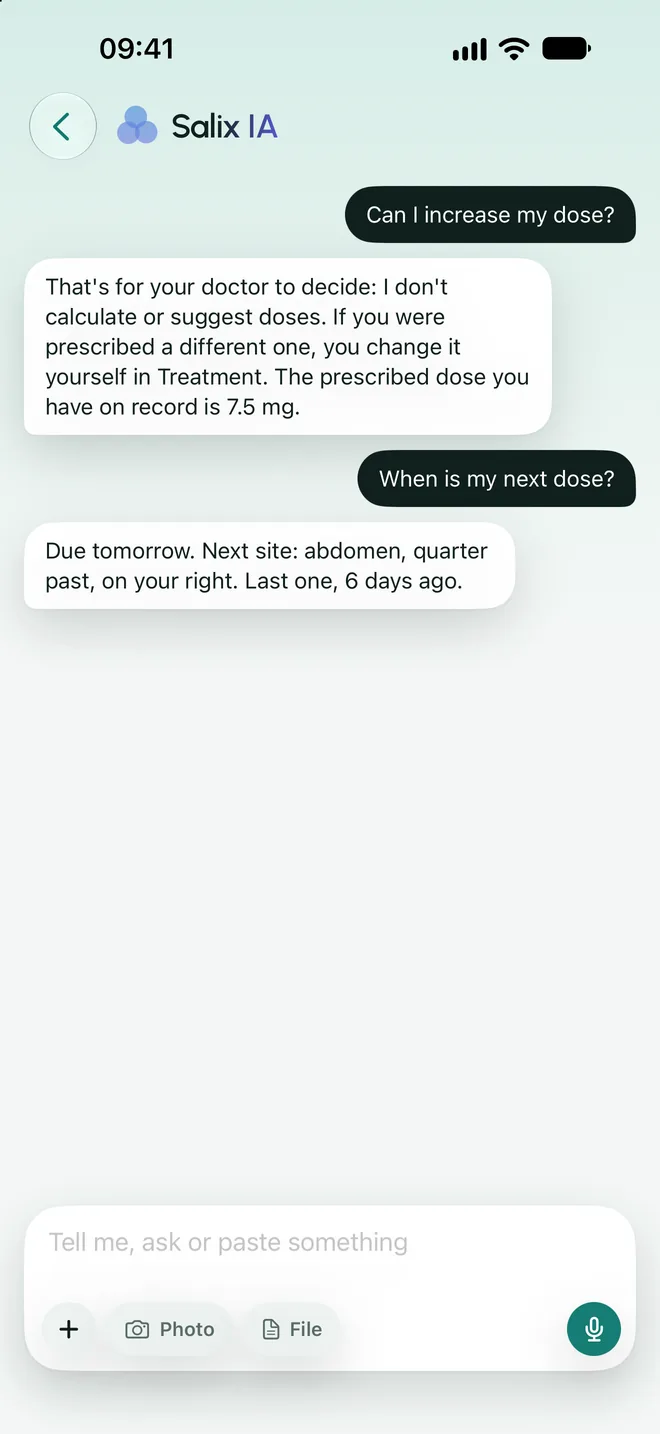
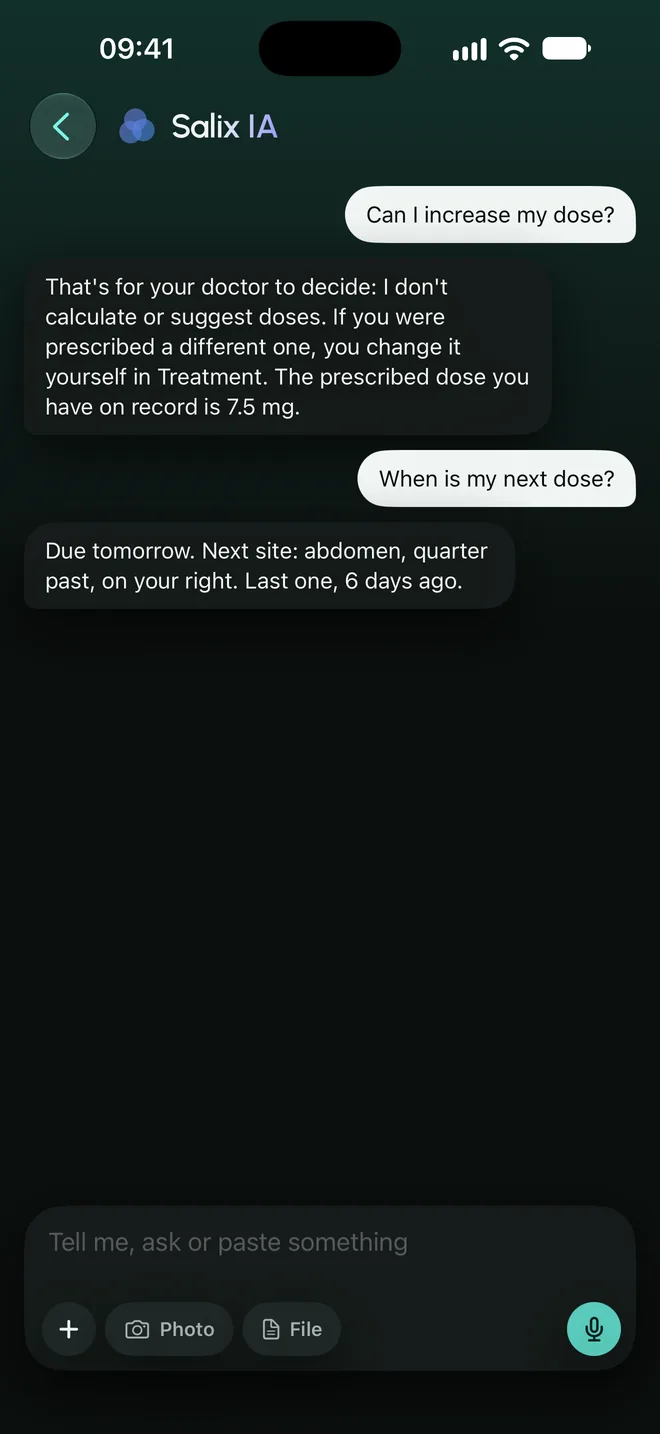
Salix IA is the Nuvix assistant. You type or dictate what you did and it proposes the entries. Nothing is saved until you see it and confirm it.
- It proposes, you decide
- Each proposal arrives as a card to save, correct or discard. Anything you did not say is marked as estimated.
- It does not talk about doses
- It does not calculate or suggest doses, and it does not interpret symptoms or lab results. For those questions, it refers you to your doctor.
- Optional, and off by default
- If you turn it on, your message and the minimum needed to understand it are sent to Anthropic, the artificial intelligence provider. Never your name or your email. The rest of the app works the same without it.
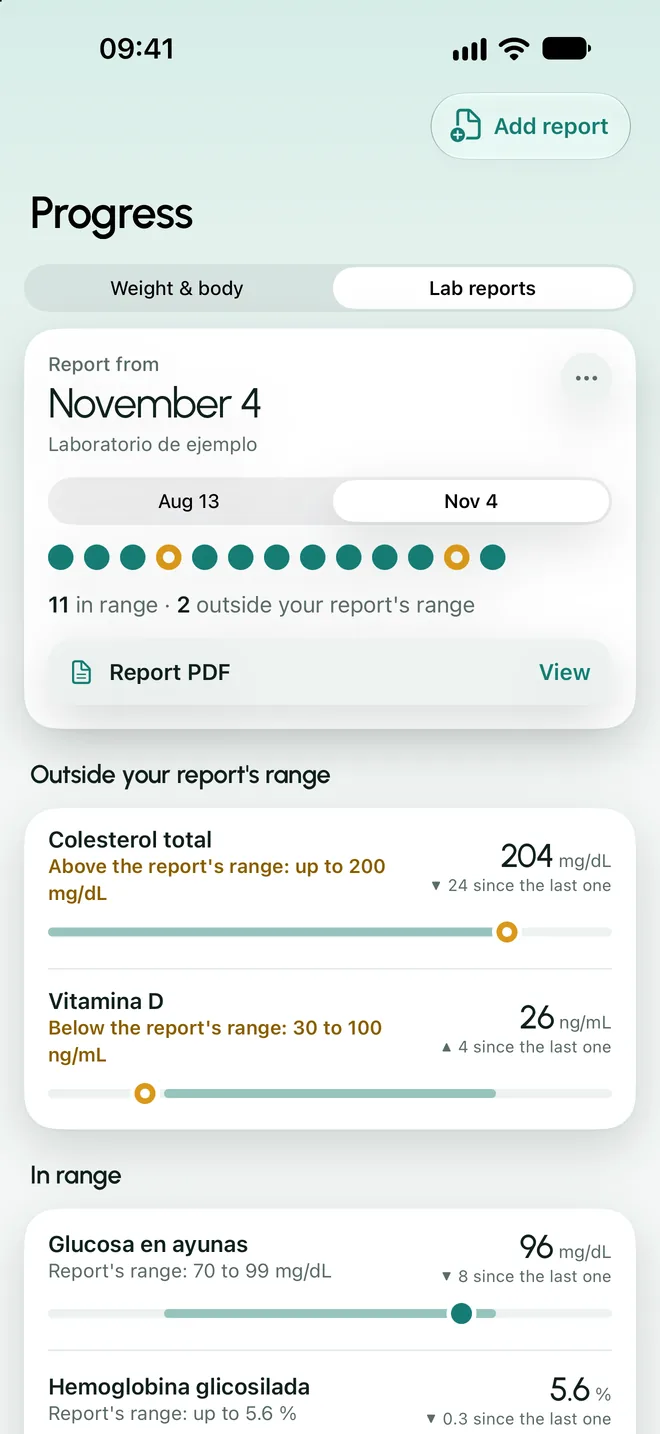
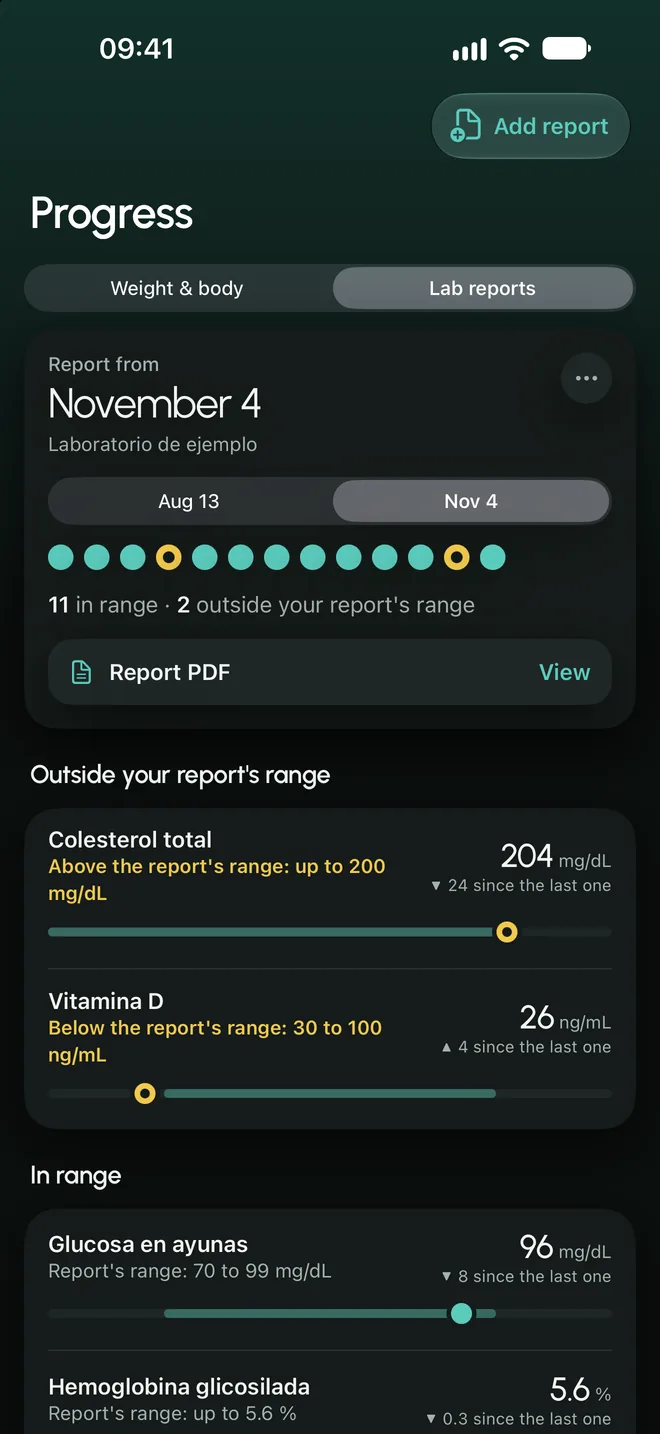
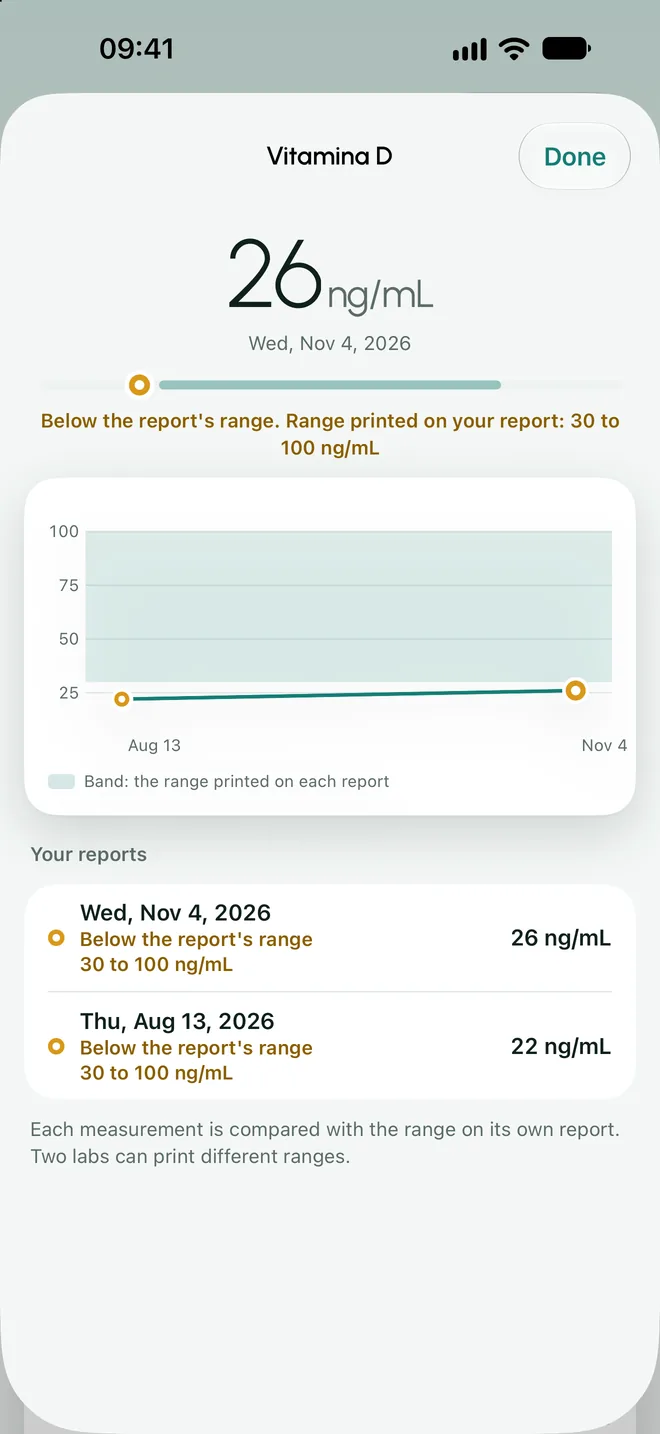
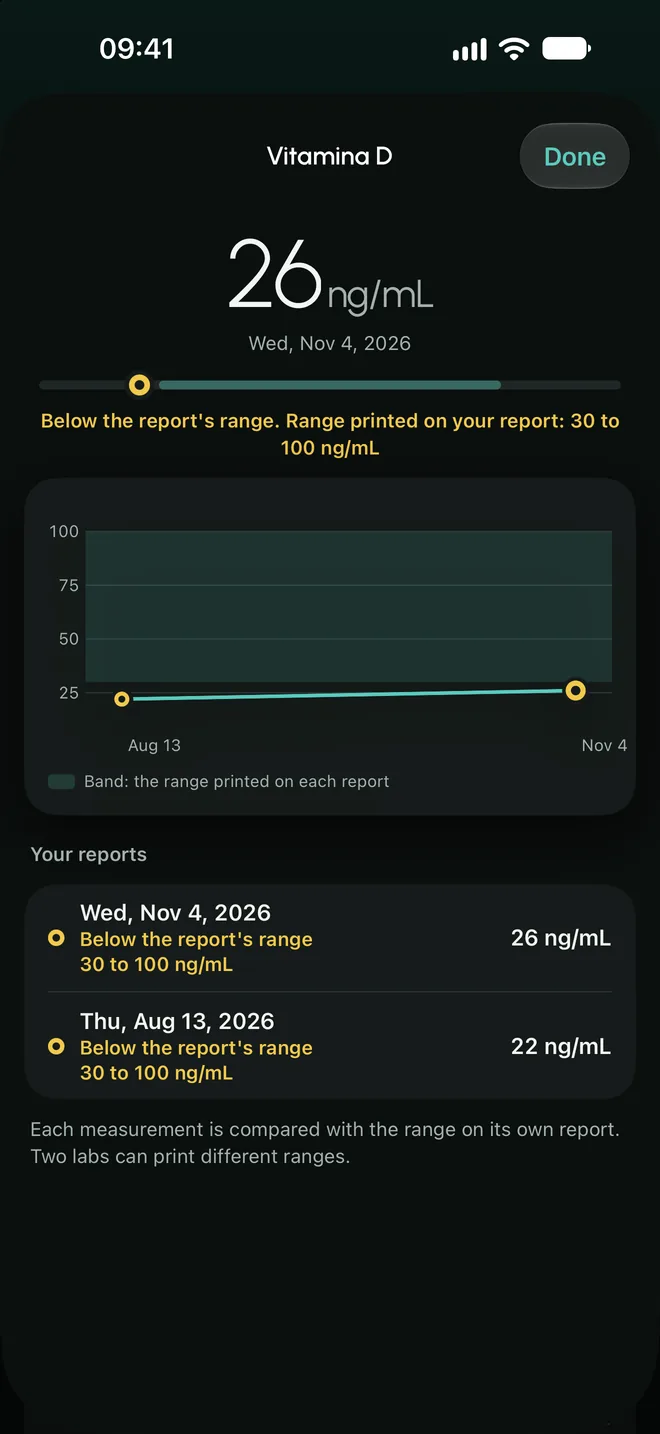
For your appointment, what you logged, in order.
- Lab results record
- You enter your results and each value is compared with the range printed on its own report: in range, above or below. Nuvix does not interpret or recommend.
- Report for your doctor
- A PDF with the facts for the period you choose: prescribed and logged doses, each dose with its date and site, weight and journal entries. You see it before you share it.
Your data is yours.
- Advertising
- Your health data does not go to advertising or ad networks.
- Third parties
- It is not sold or shared. Salix IA, if you turn it on, is the only case where anything goes to a provider, and that provider is named.
- Deletion
- You can delete your account and everything you logged from the app, whenever you want.
- Locked screen
- Reminders never name the medication, the dose or your weight.
Nuvix is coming soon.
The app has not been released yet. It will be available for iPhone, in Spanish and English.
Coming soon to the App Store