Everything you log, in its place.
Nuvix organizes and shows what you enter. These are the six parts of the app, with real screens.
Treatment and sites
When it’s due and where it goes next.
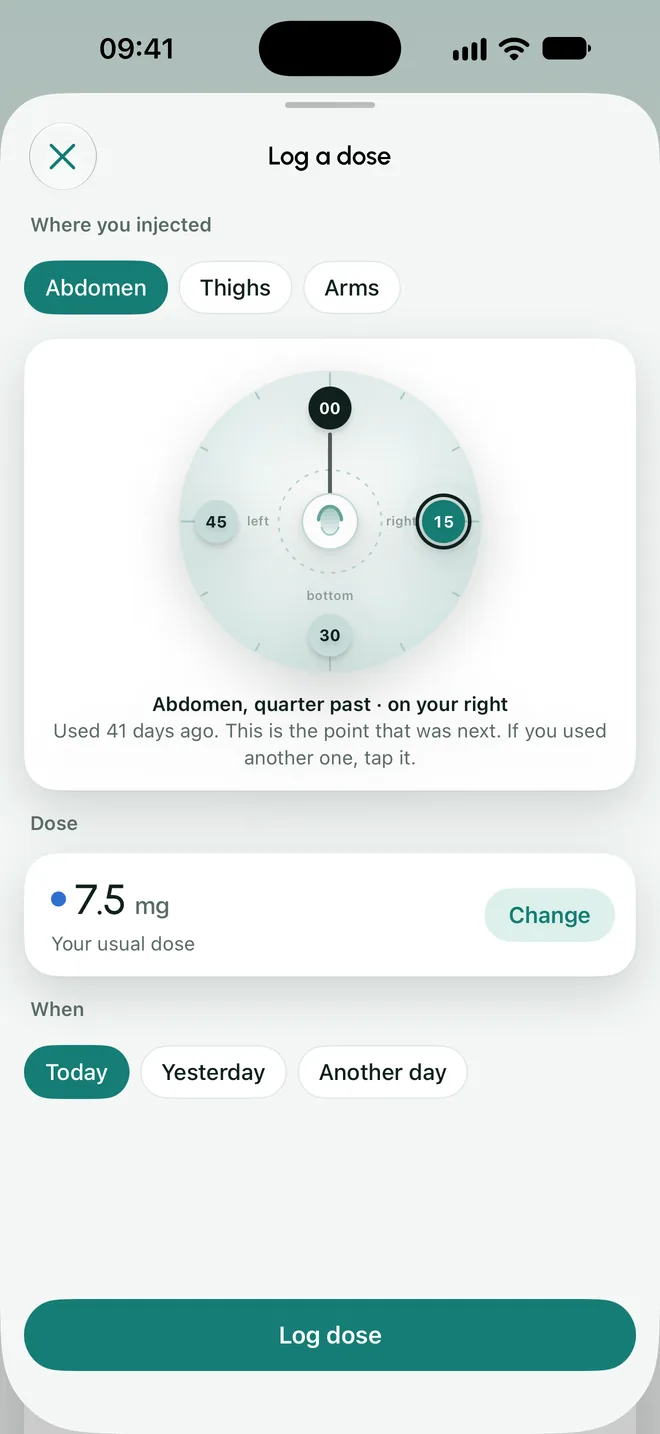
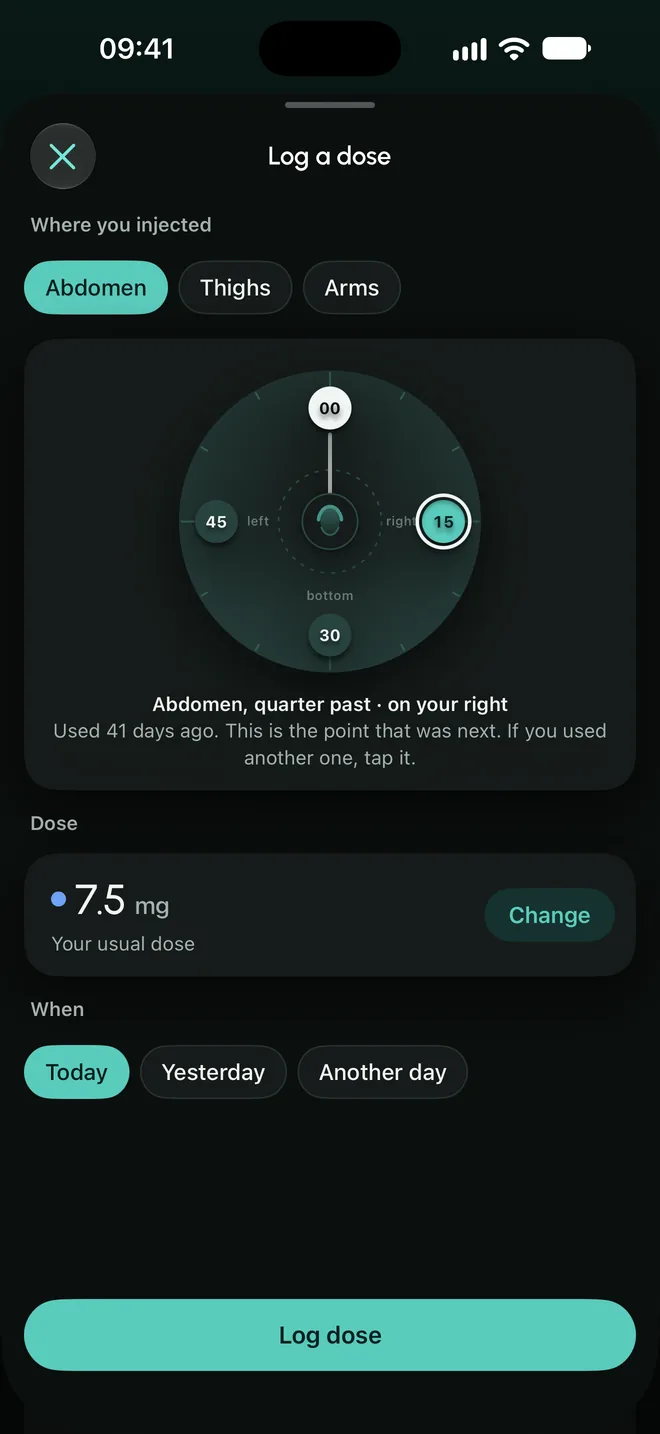
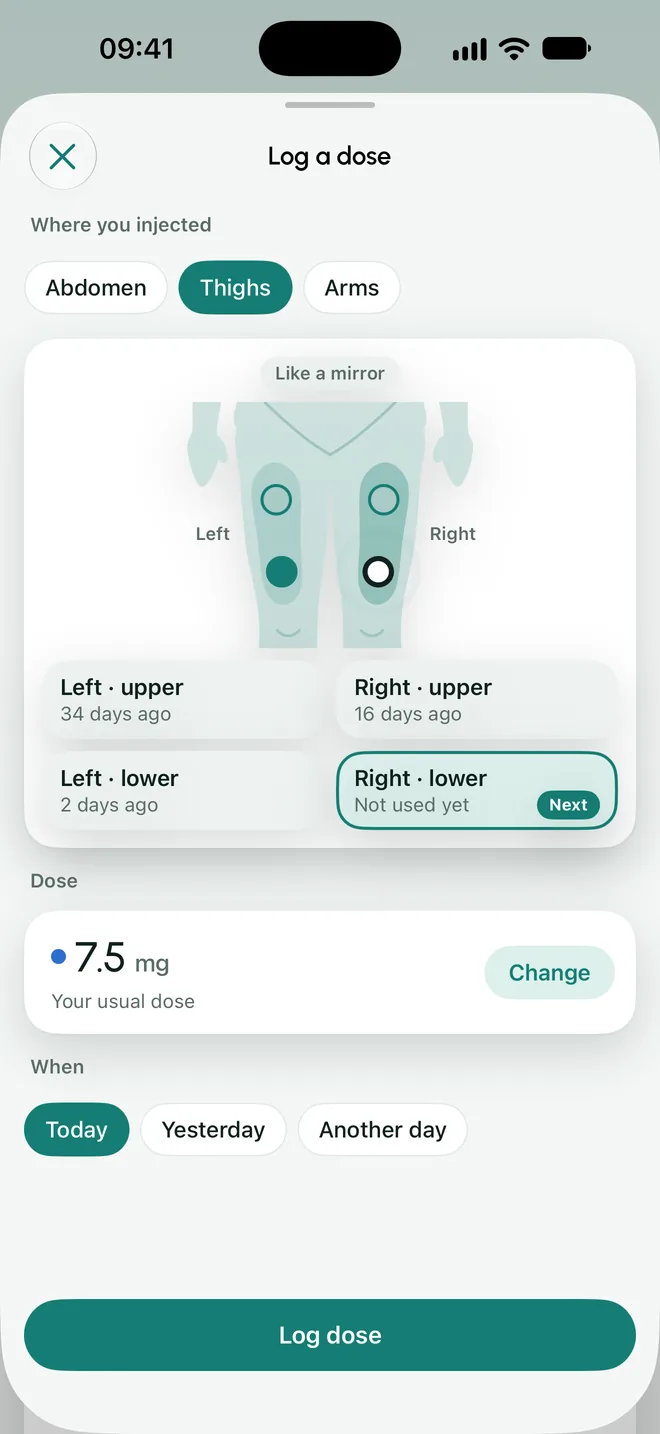
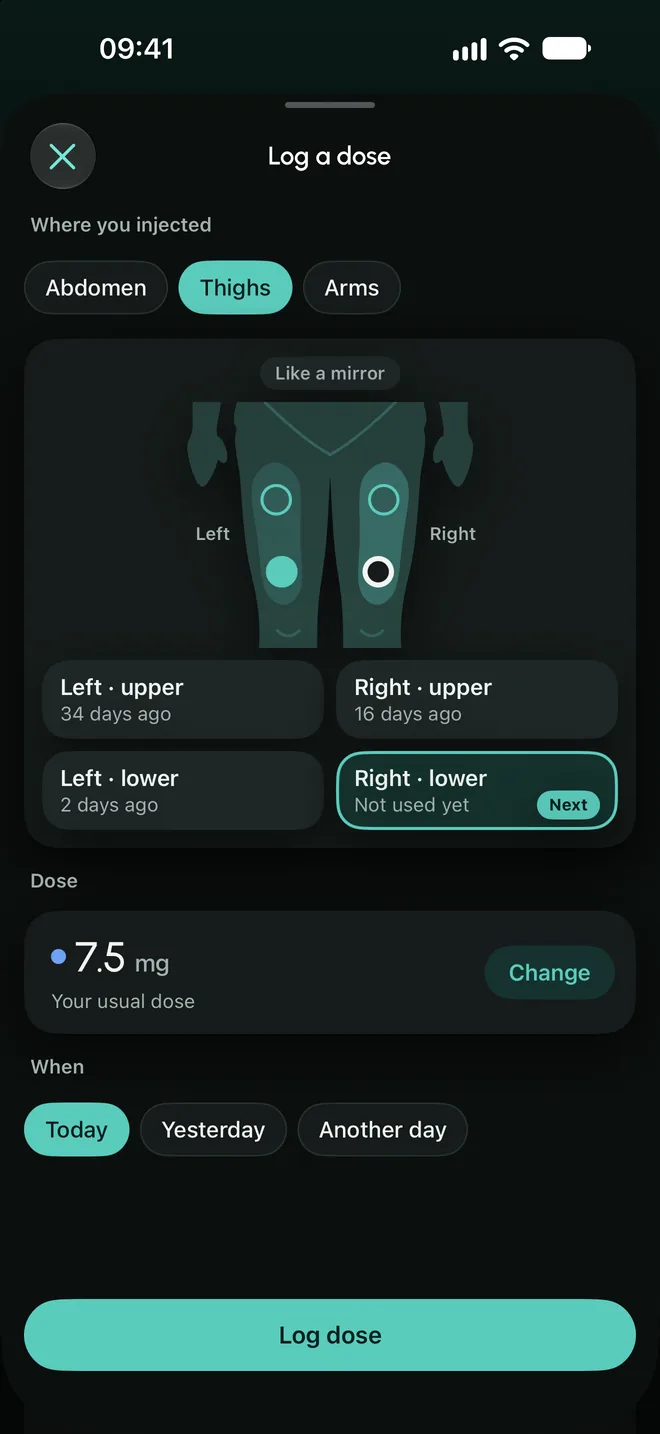
Your treatment leads the home screen: how many days are left, when the last dose was, and which site comes next.
- Log it in one tap
- The dose is already filled in: it is the one you entered as prescribed by your doctor. If you used a different point, you mark it and the rotation continues from there.
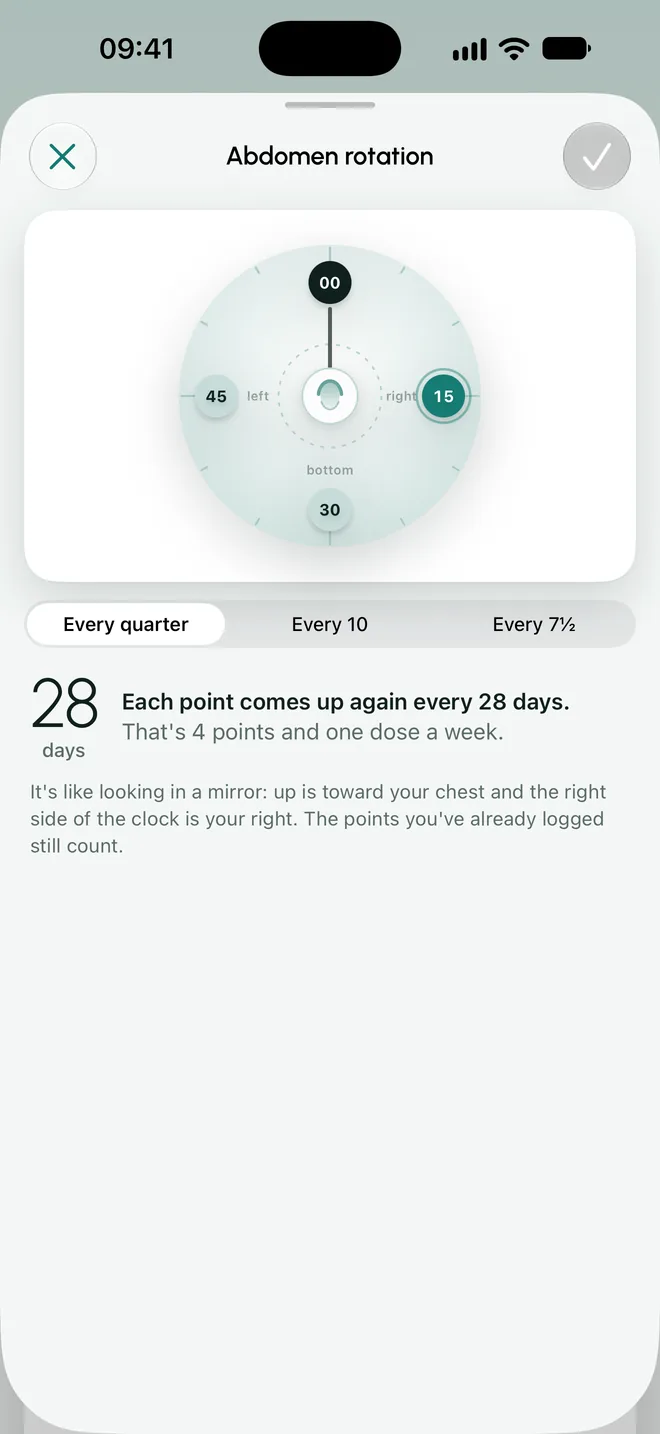
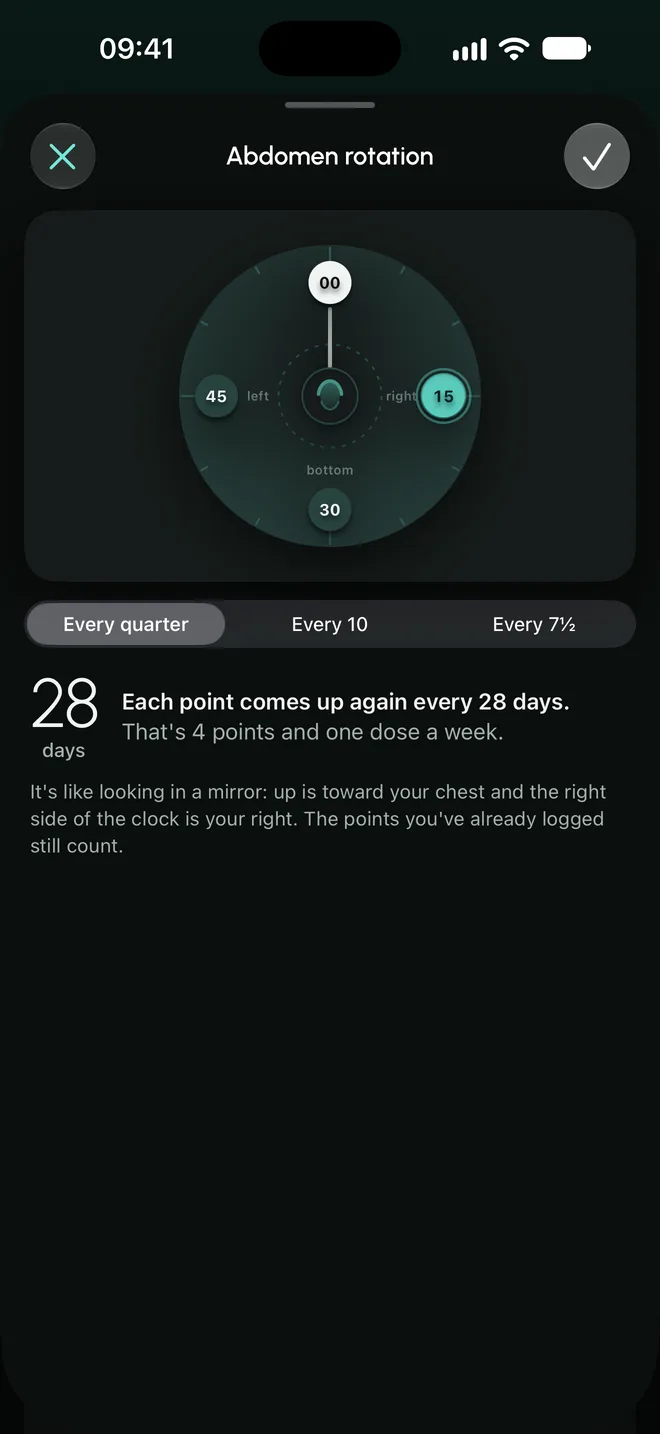
- The abdomen clock
- Four, six or eight points around the navel. With four points and one dose a week, each point comes up again every 28 days.
- Thighs and arms
- Two sites on each side, upper and lower. The next one is the one you have not used for the longest.
- Prescribed dose and logged dose
- They are stored separately. You enter a dose change when your doctor prescribes it: the app never suggests one.
- Dot calendar
- One dot per dose, in the color of its dose. You set the goal: in doses, in days, or with no end date.
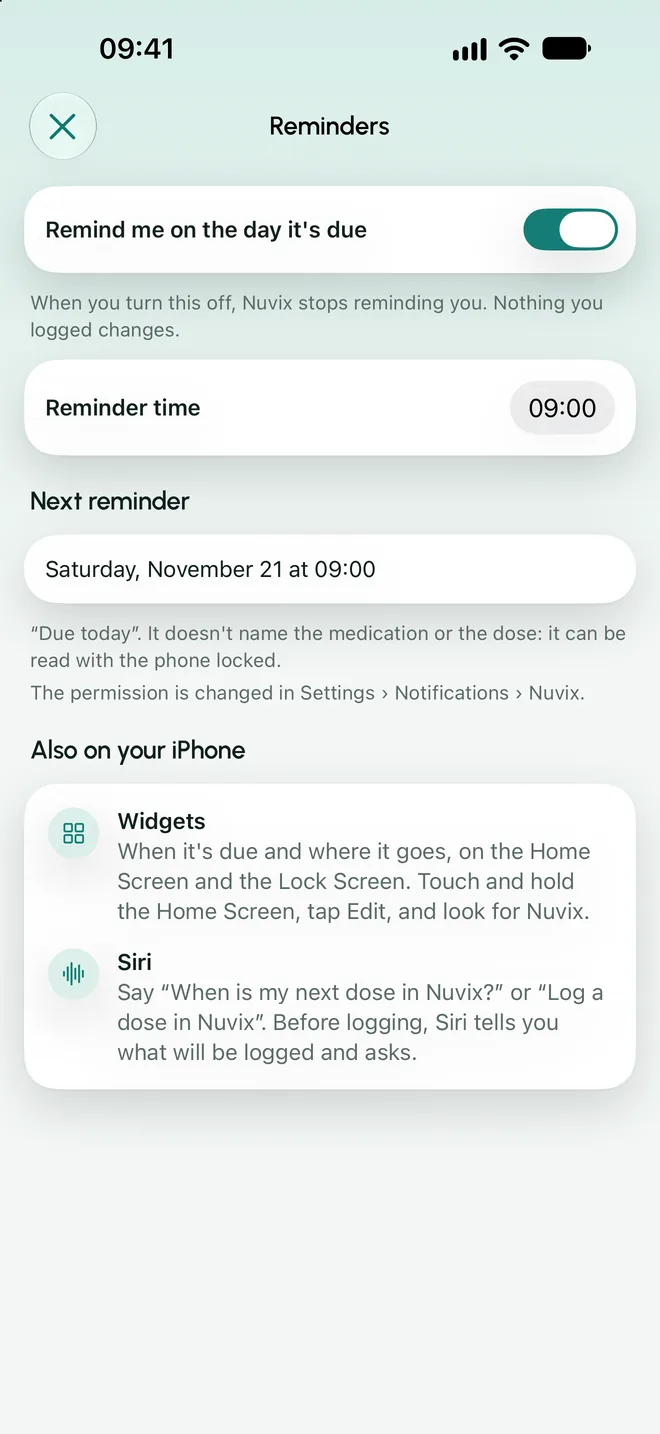
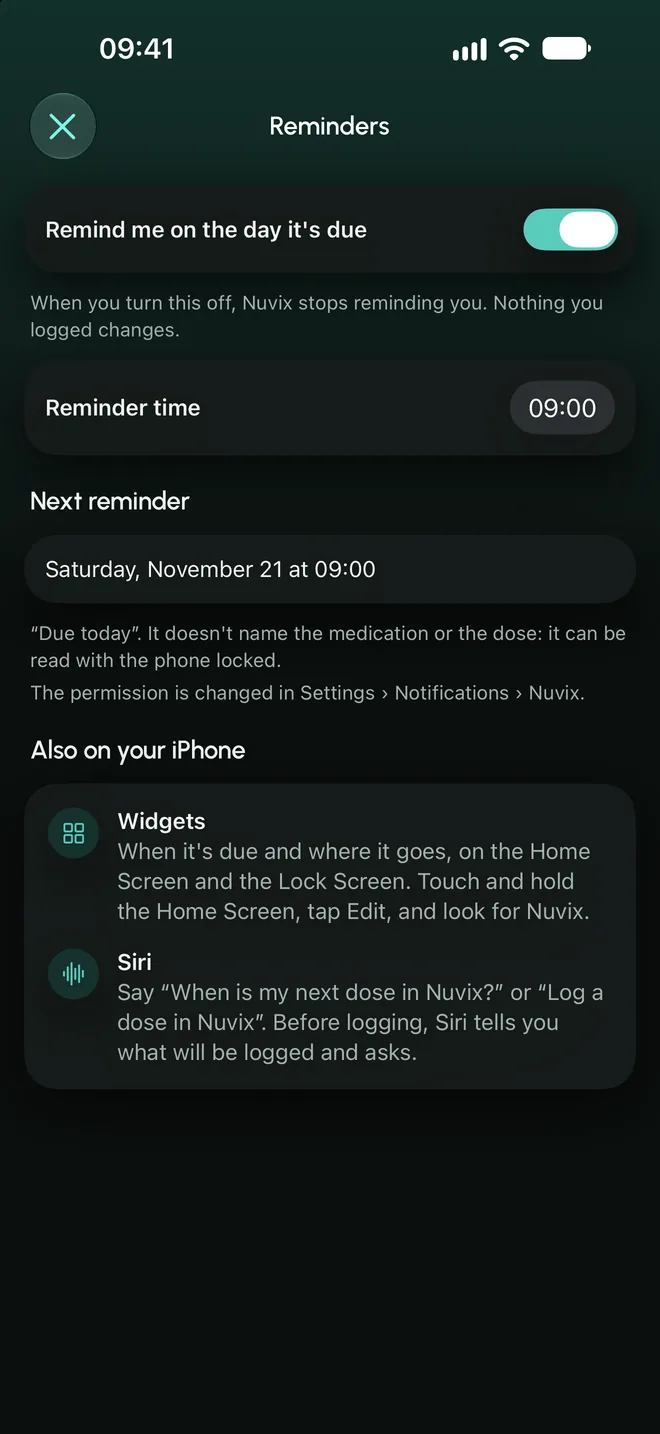
- One reminder, on the day
- At the time you choose, without naming the medication or the dose.
Sites are an aid to avoid repeating the same spot. Where and how to inject is for your doctor and the package leaflet to say.

Weight and progress
Your weight and measurements, just the facts.
You log whenever you want. The app shows the numbers and how they change, without commenting on your progress.
- A ruler, not a keyboard
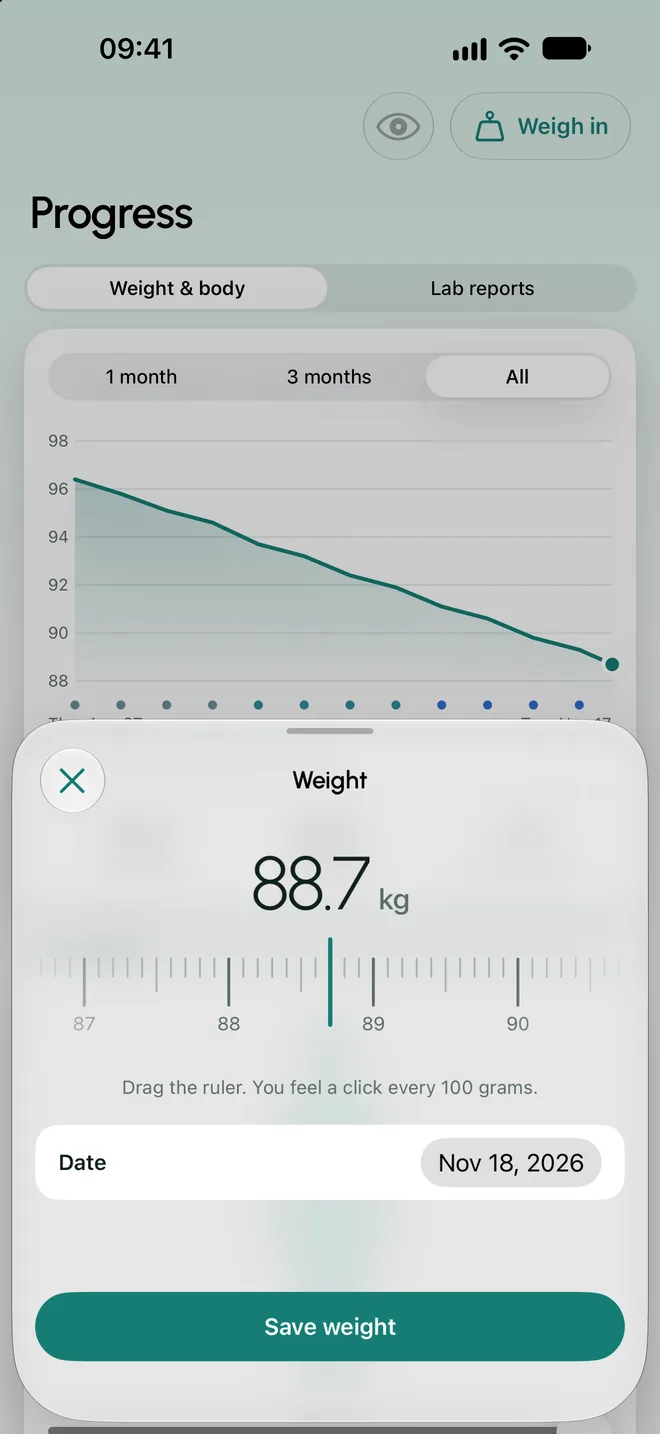
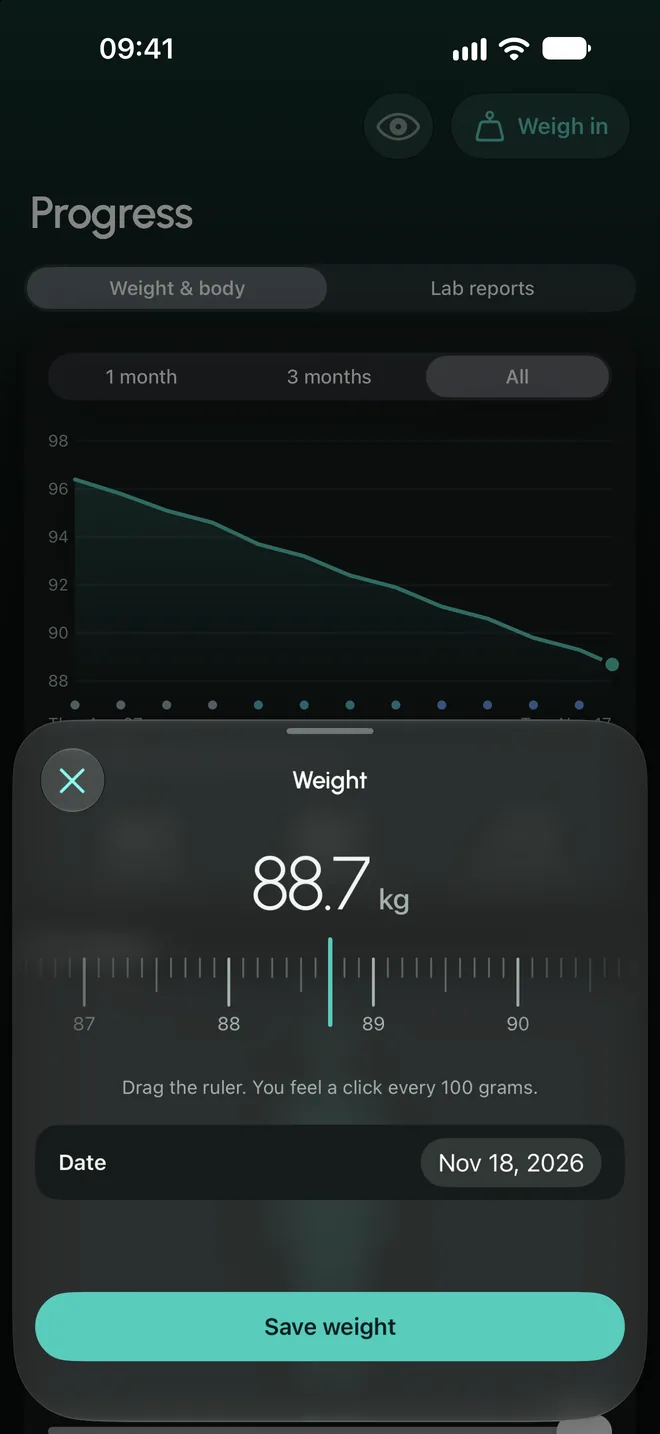
- You pick your weight by sliding, 100 grams at a time. One weigh-in per day.
- Apple Health, if you want
- Nuvix can read the weight your scale writes to Health and save there the one you log. It starts turned off and no weight comes in without you seeing it.
- Optional measurements
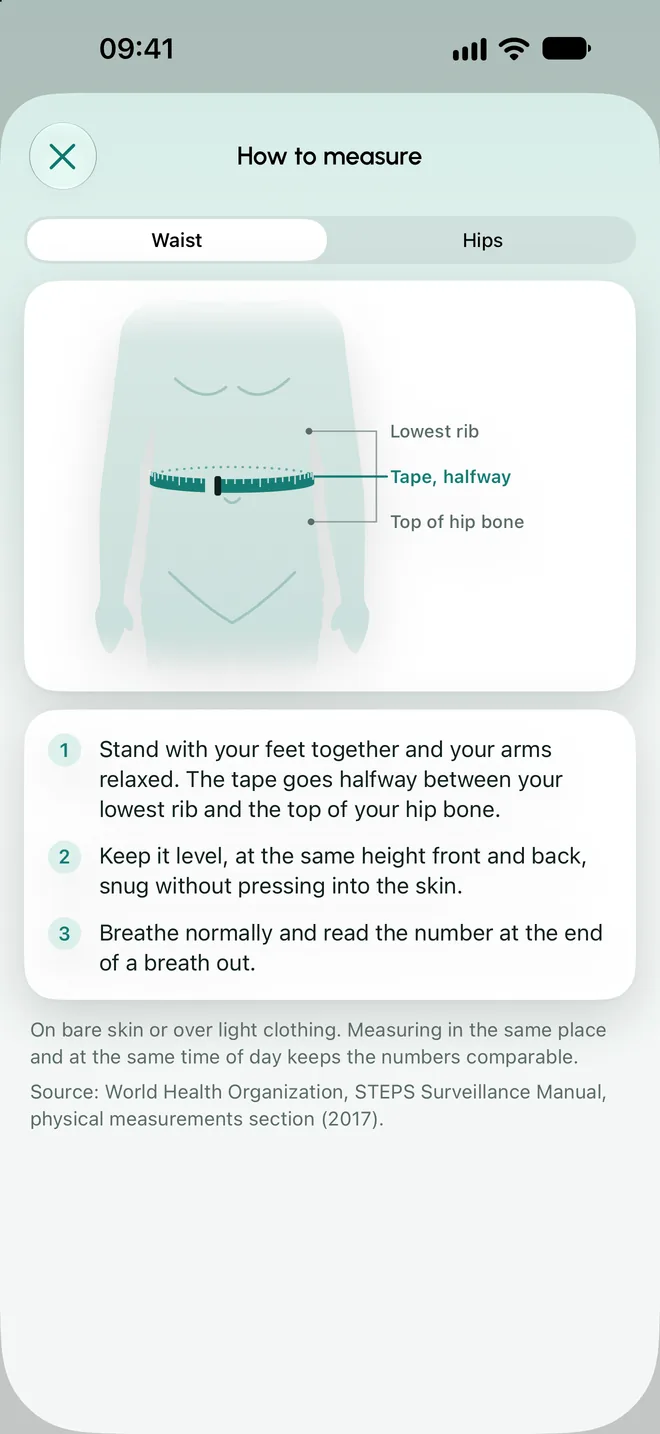
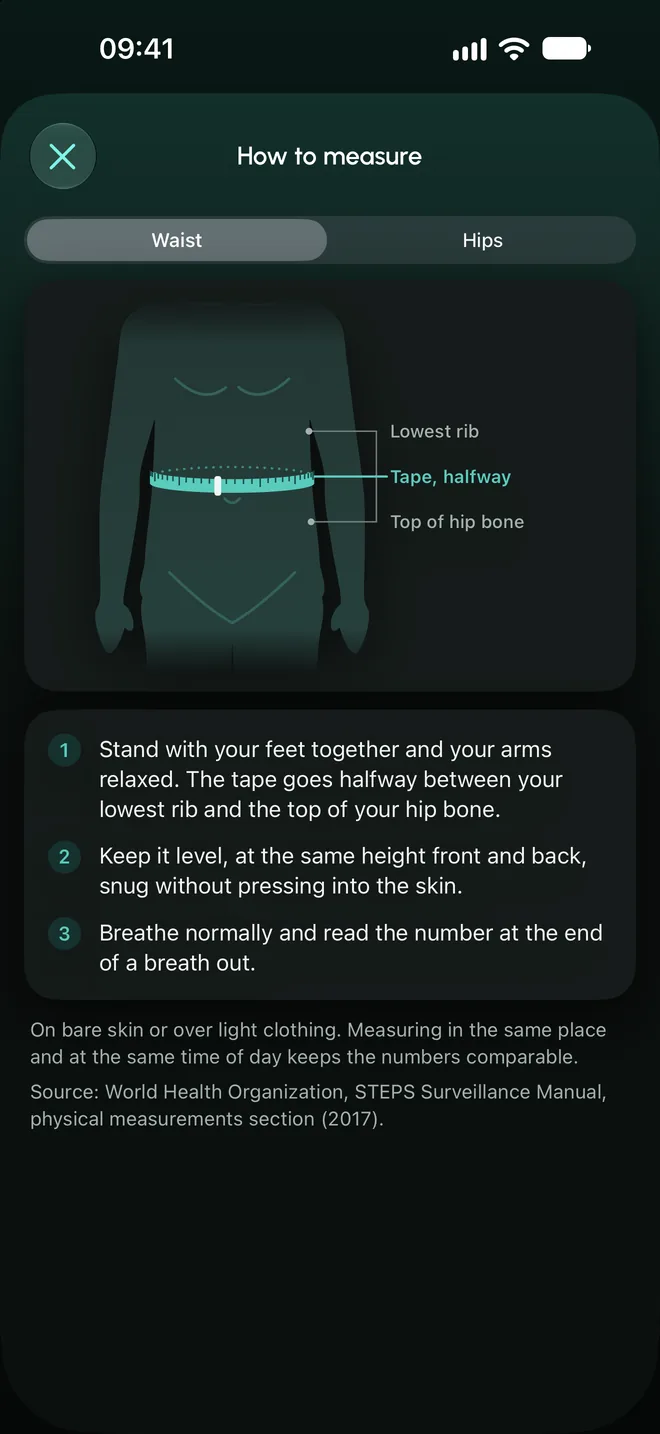
- Waist and hips, with a drawing of how to measure.
- Hide the number
- One tap hides kilos and centimeters across the app.
- The goal is yours
- If you want one, you set it. The app does not suggest it.
Journal
The everyday things, in seconds.
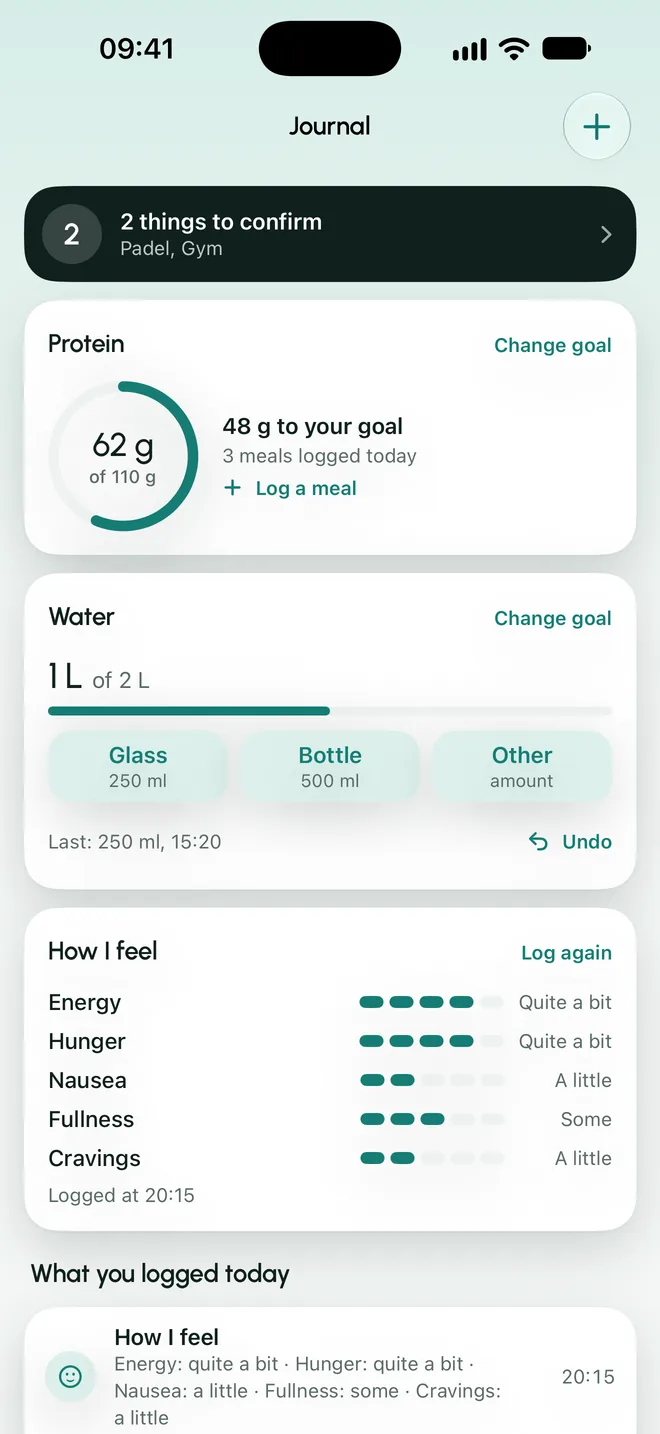
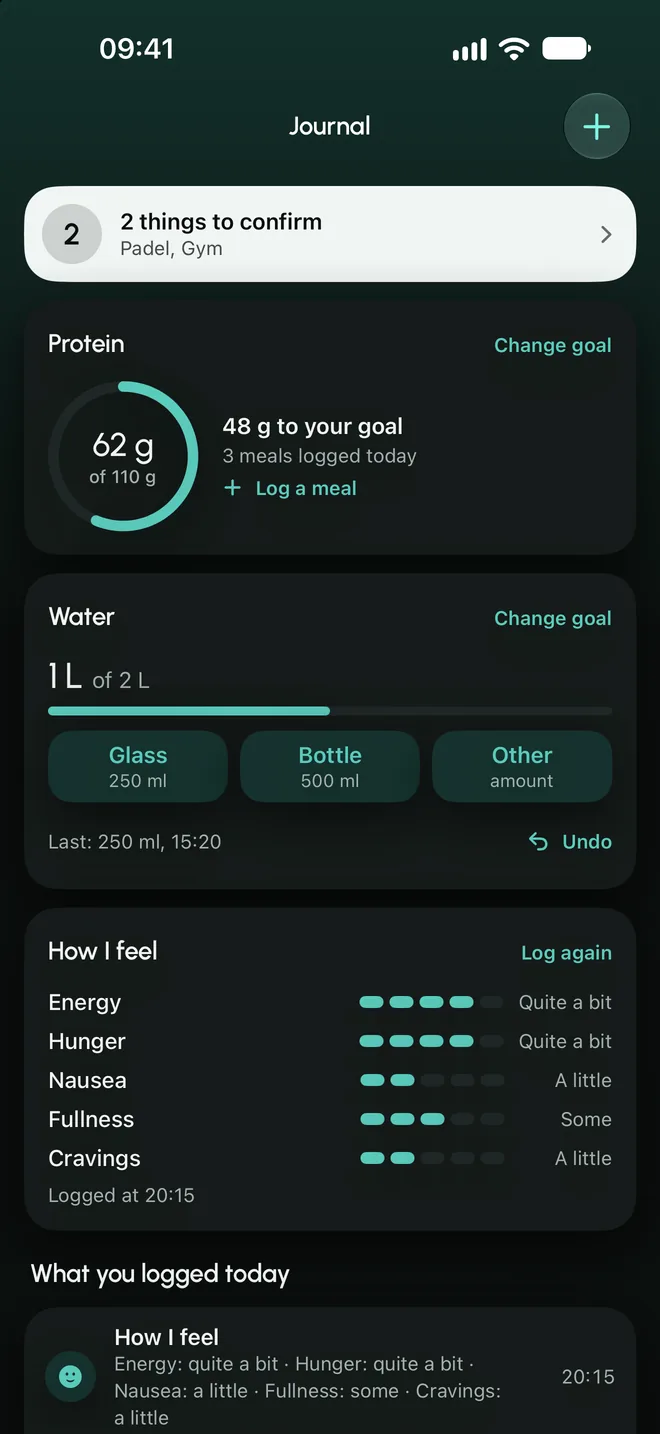
Meals, water, activity and how you feel, next to your dose day.
- Meals and protein
- You log what you ate and protein adds up against your goal. Pick from a food table or enter it by hand.
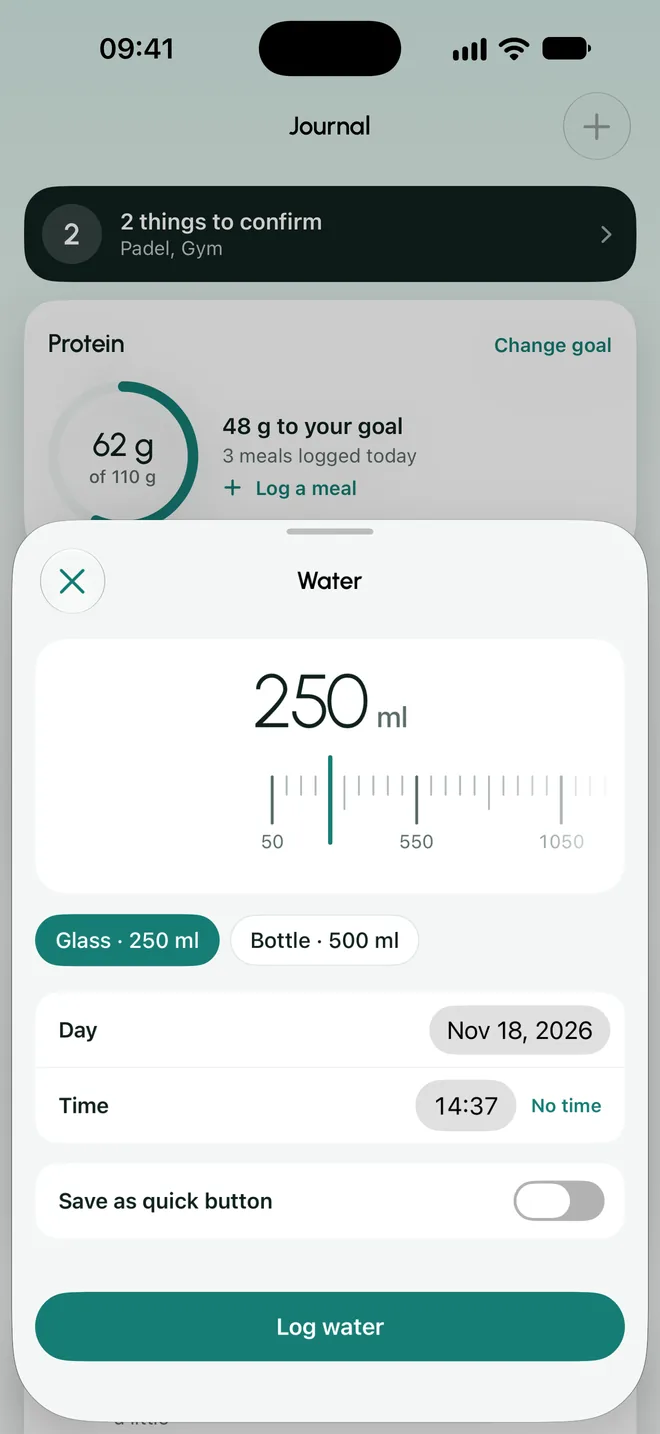
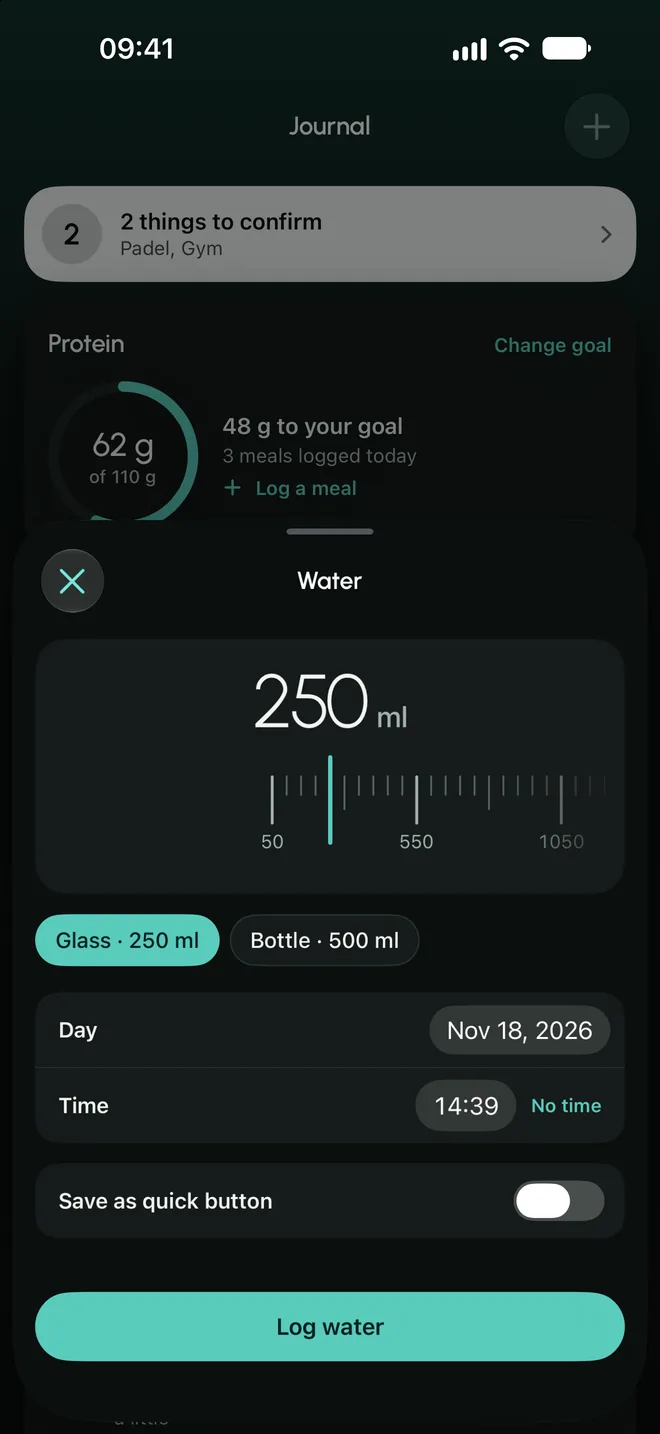
- Water
- A glass, a bottle or your own quick buttons. You can undo it.
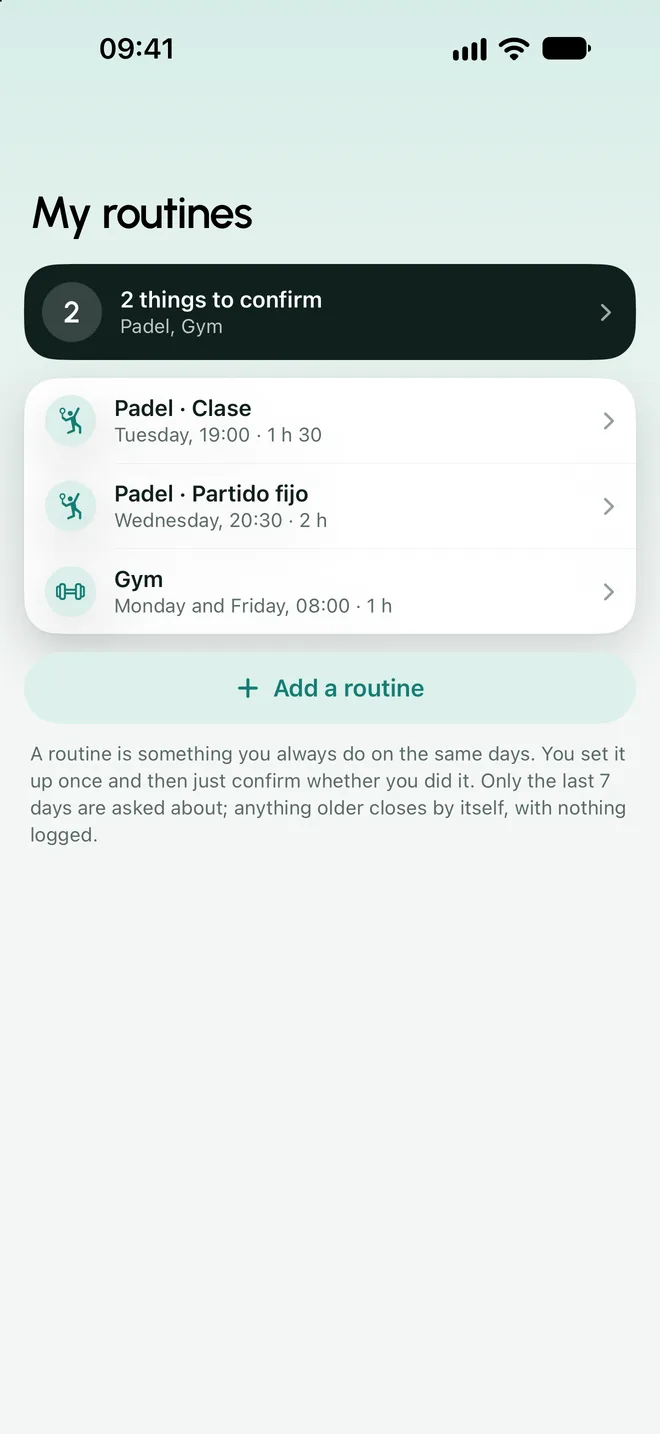
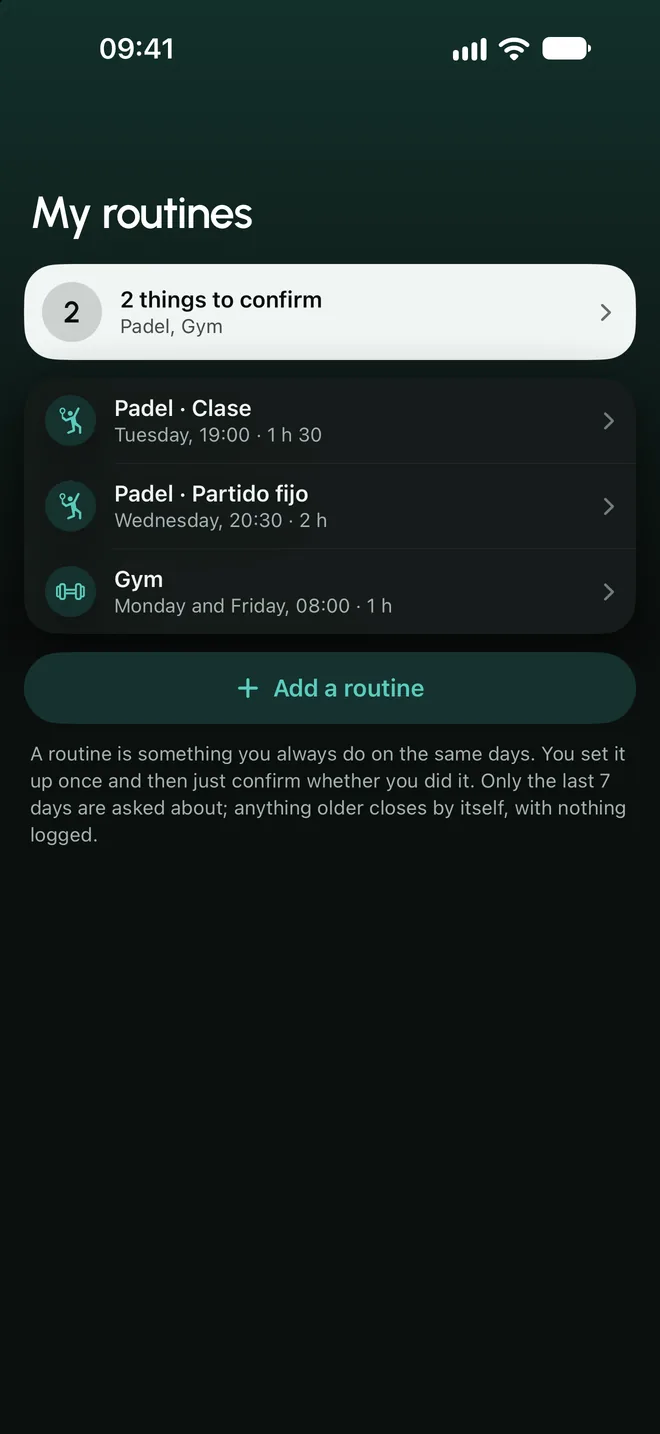
- Activity and routines
- A routine is entered once (“Tuesdays, padel at 7 pm”) and after that you only confirm it.
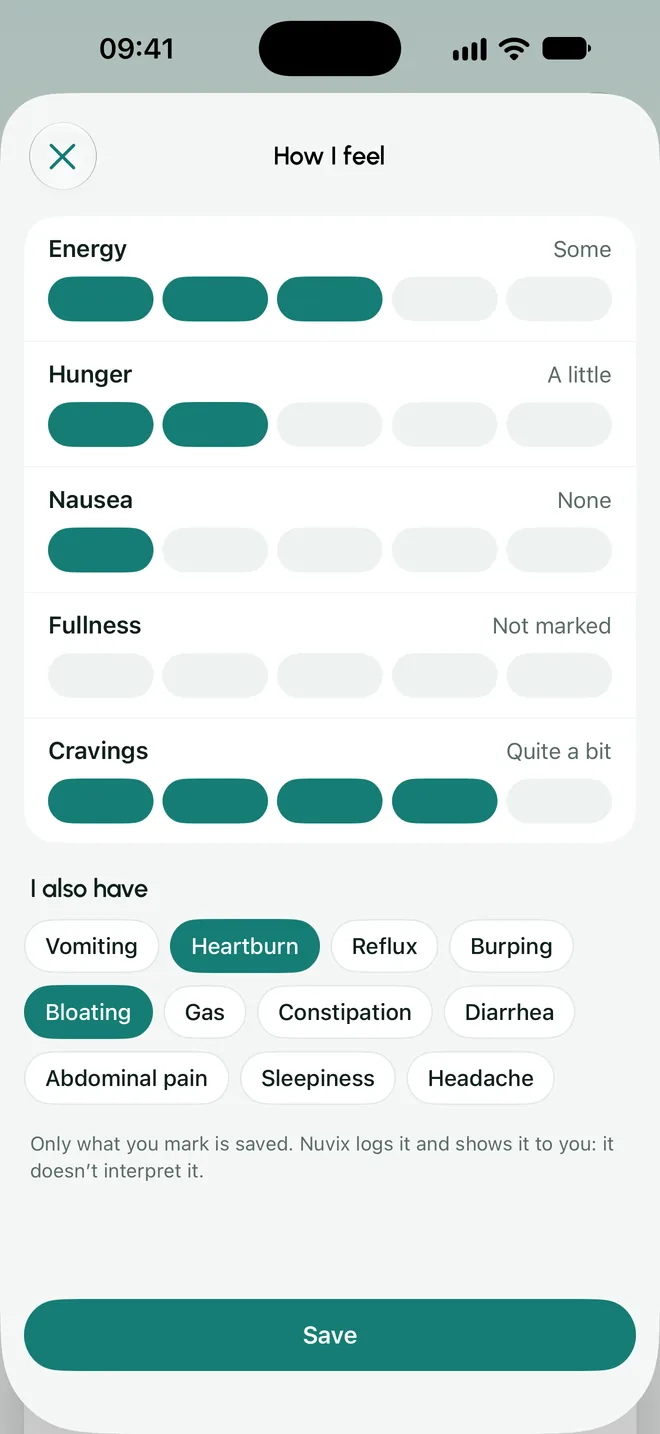
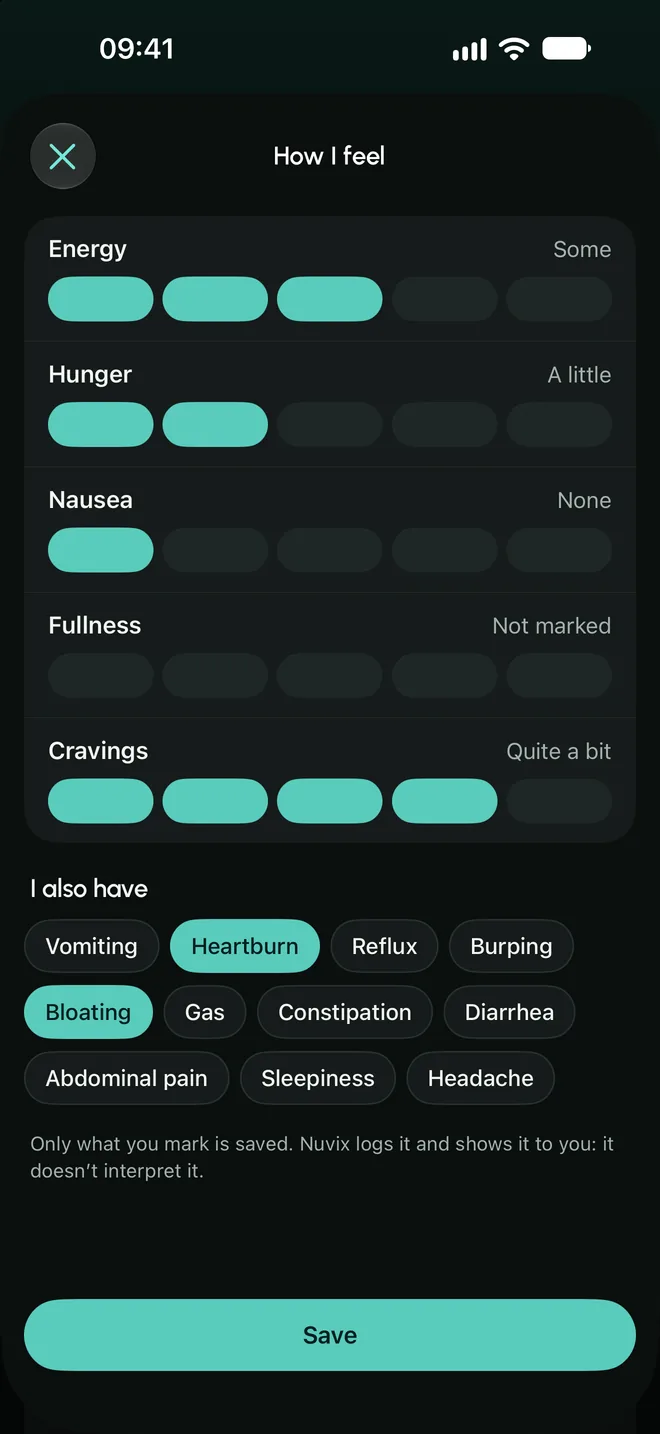
- How I feel
- Energy, hunger, nausea, fullness and urge to snack on scales, plus symptoms to tick. They are for logging: the app does not interpret them.
- Your history
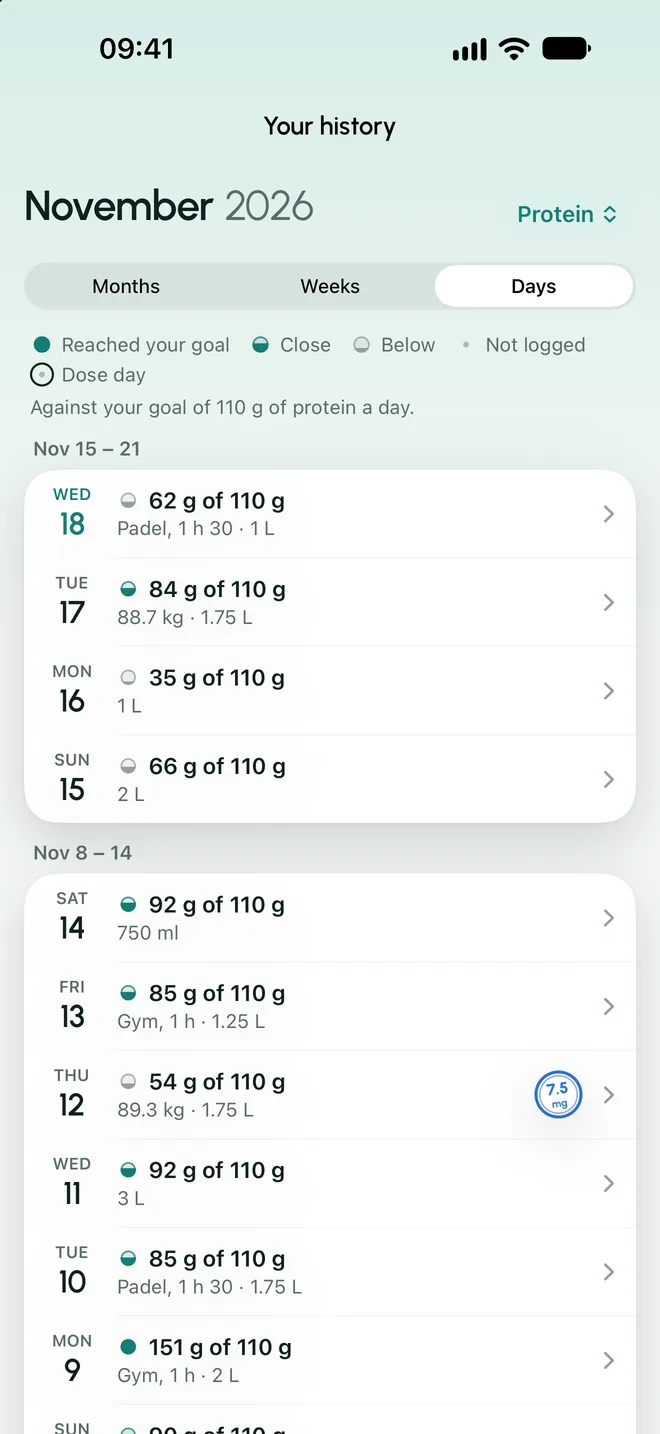
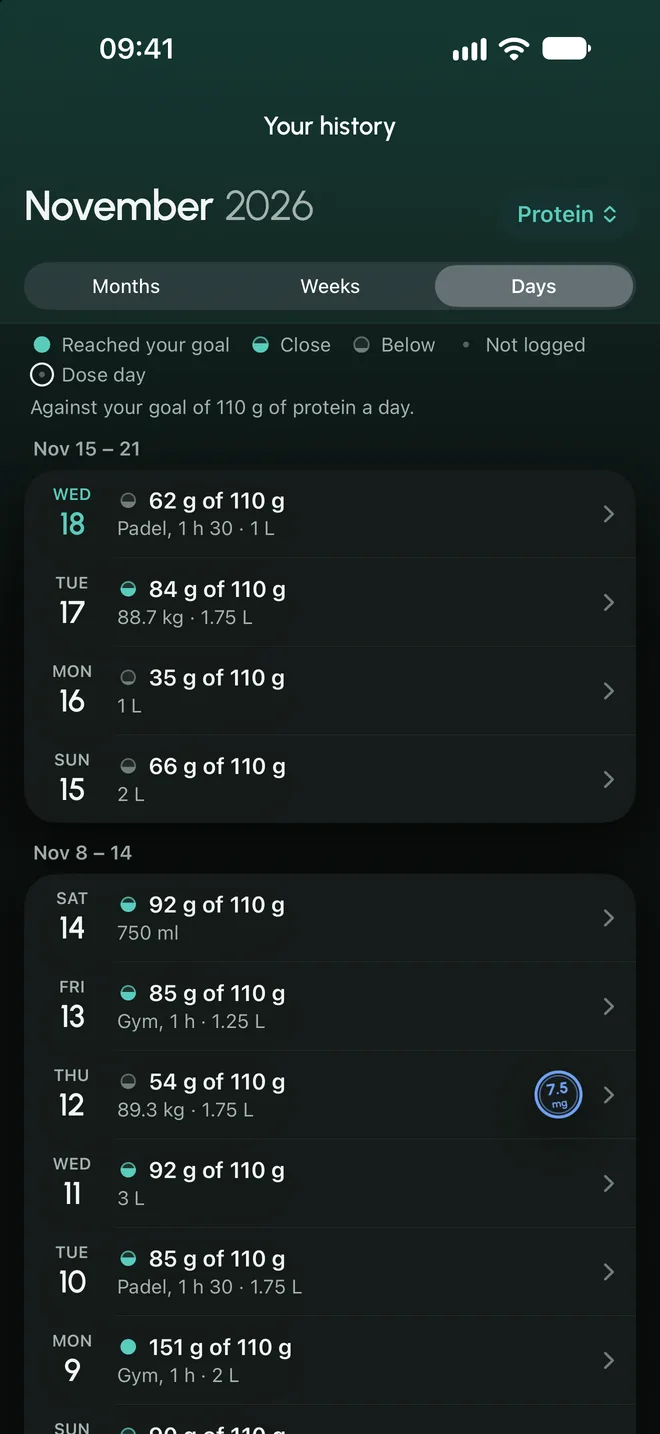
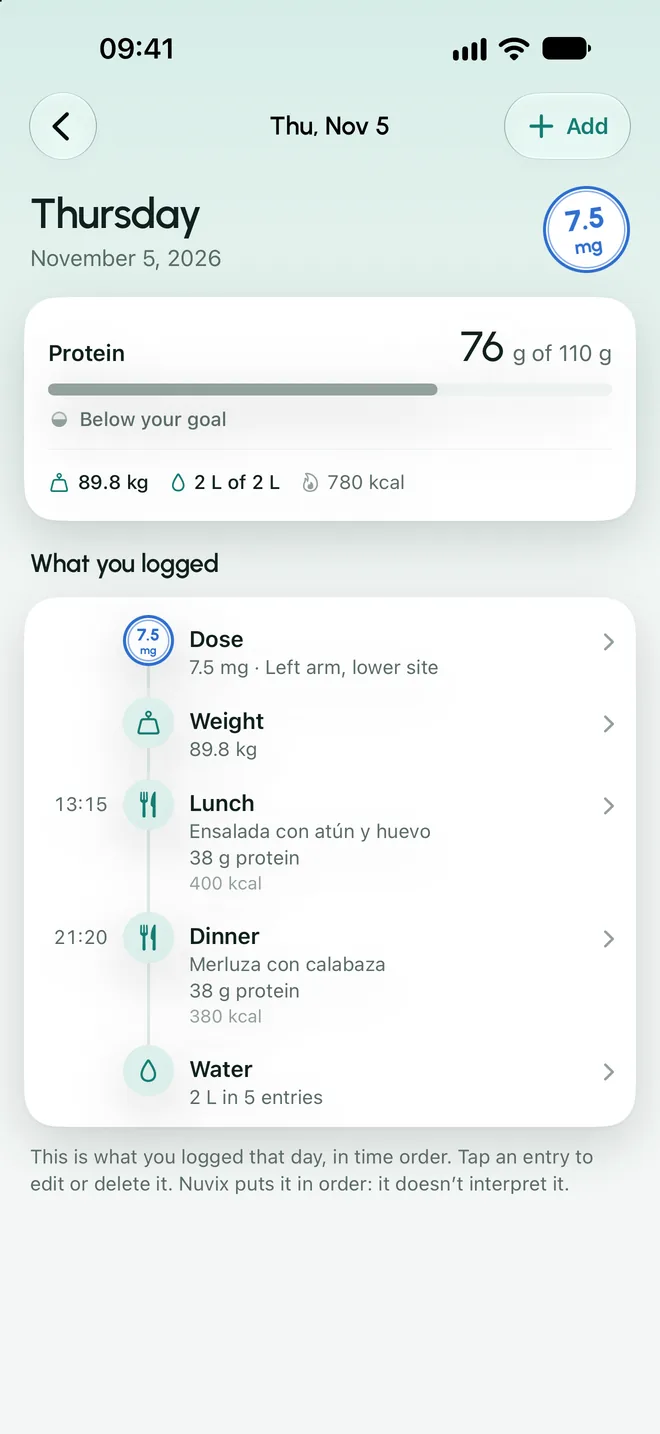
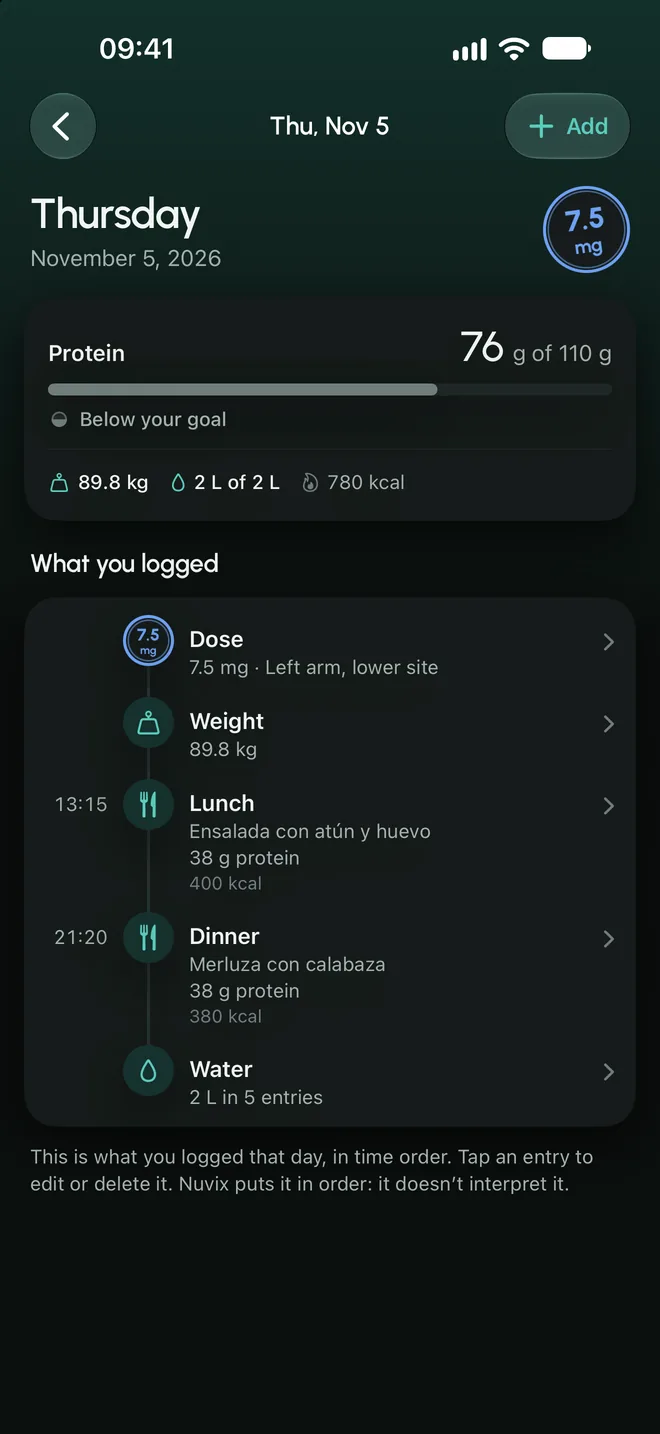
- What you logged by month, week and day, against the goals you set. Each day can be completed and corrected.
Lab results
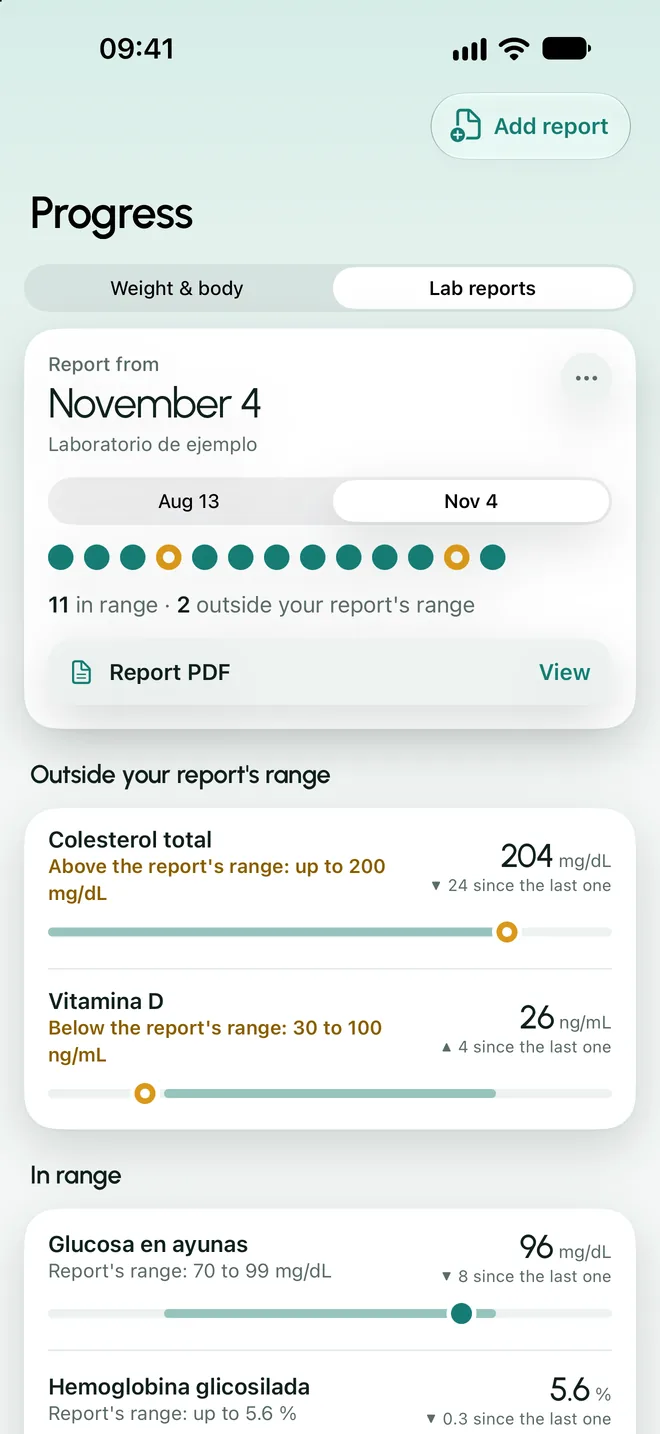
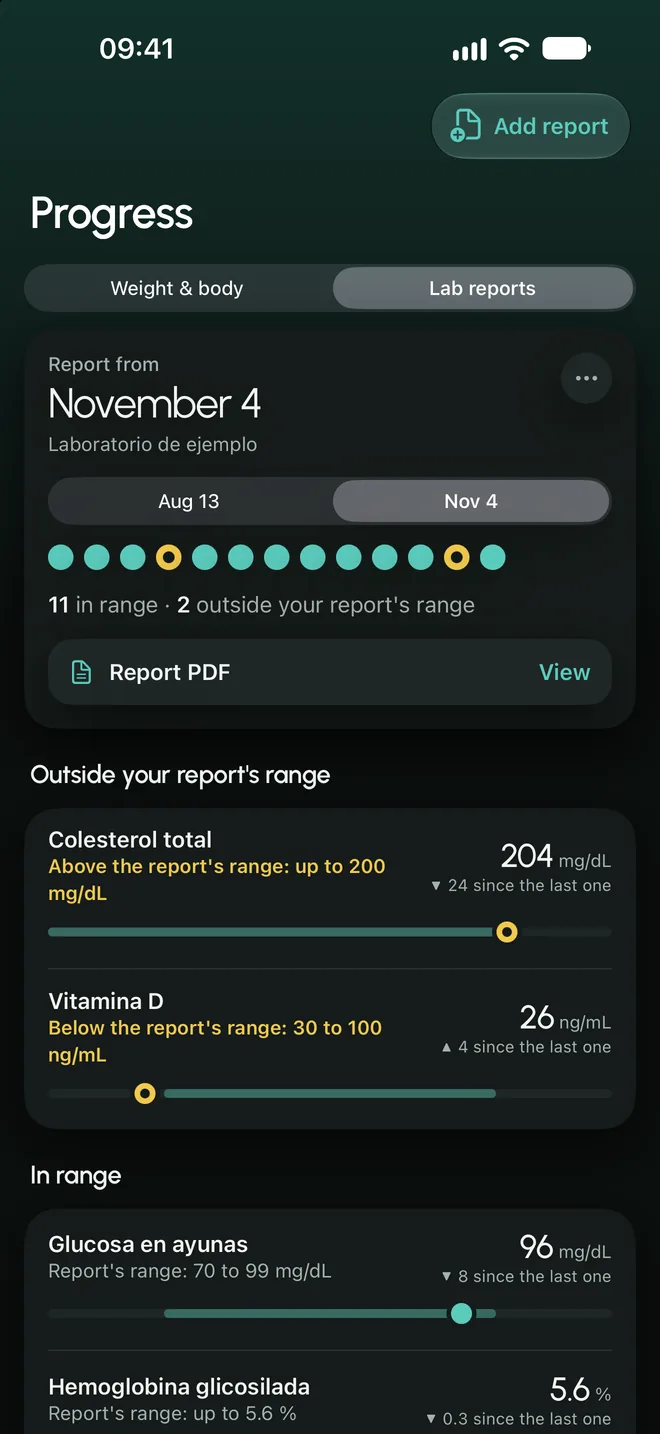
Your results, with their own range.
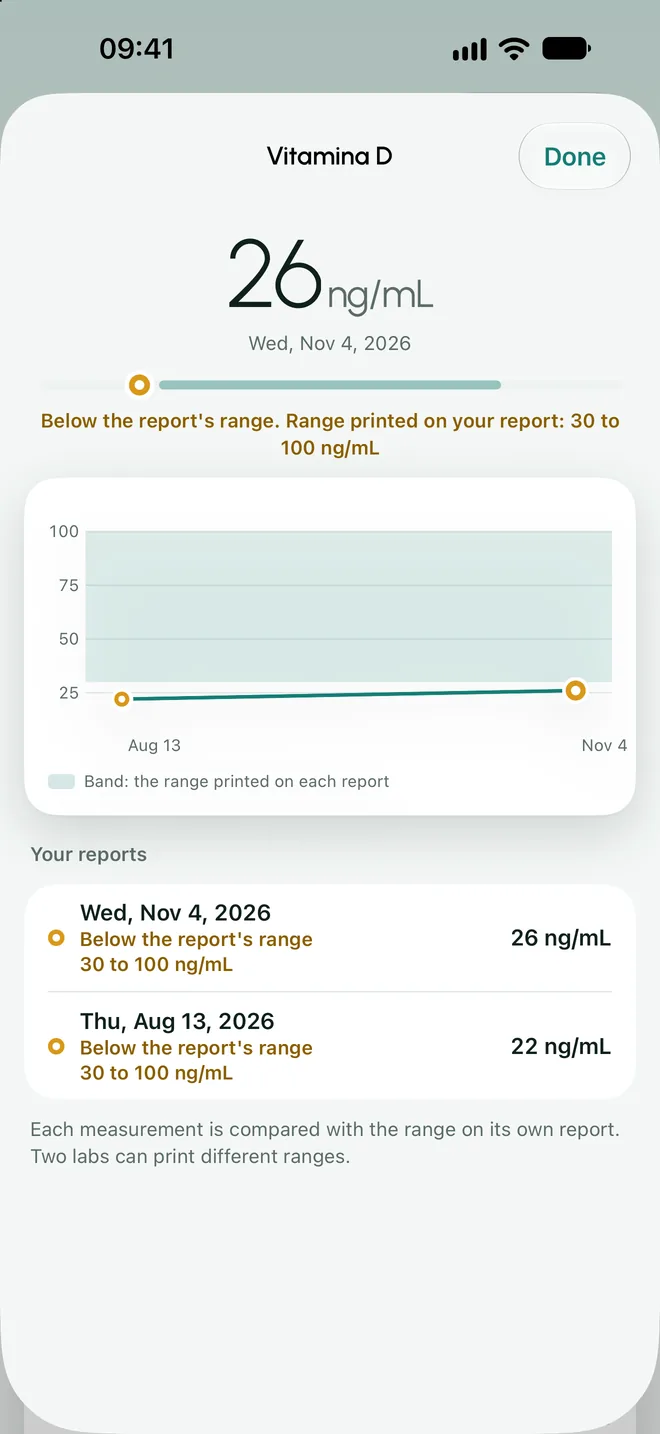
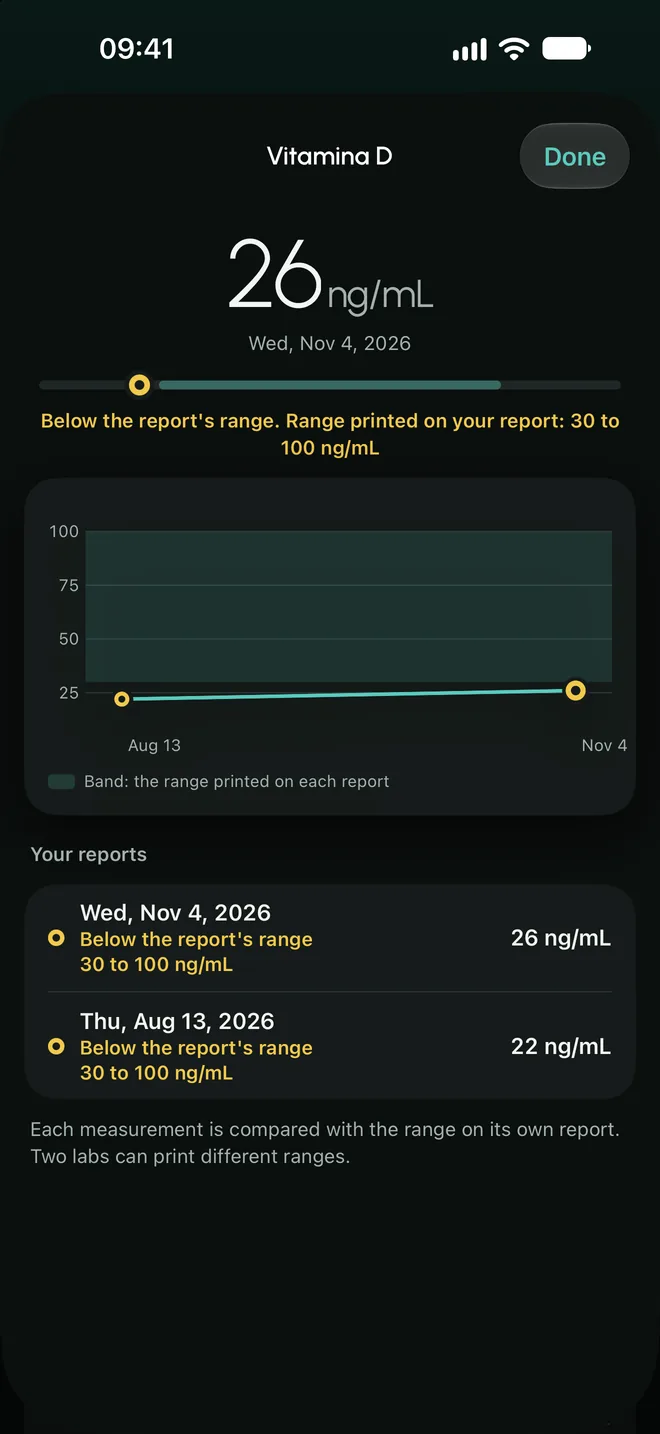
A record of your lab results and each value over time.
- The range is the one on the report
- Nuvix stores the value, the unit and the reference range your lab prints, and says whether it is in range, above or below that range.
- It does not interpret
- This is data you keep. The app does not say what it means or what to do about it.
- The report, attached
- You can keep the PDF or the photo next to its values, in a private space in your account.
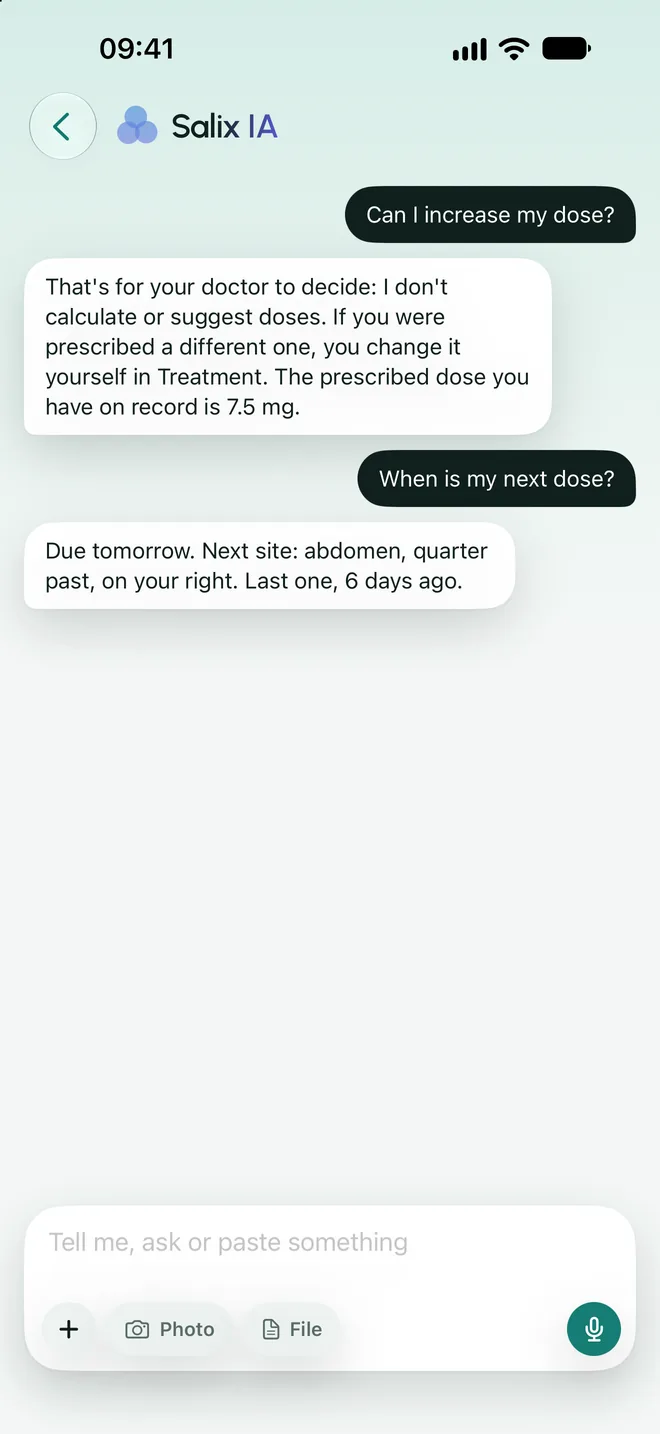
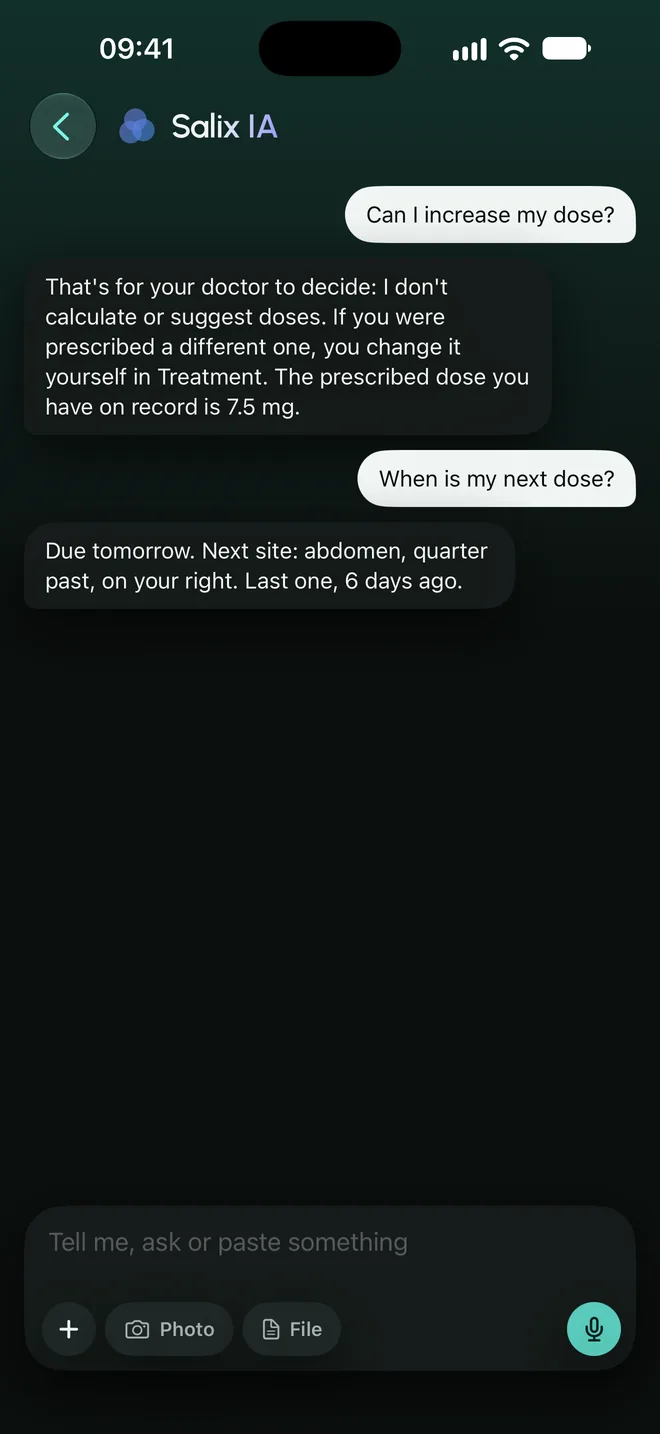
Salix IA
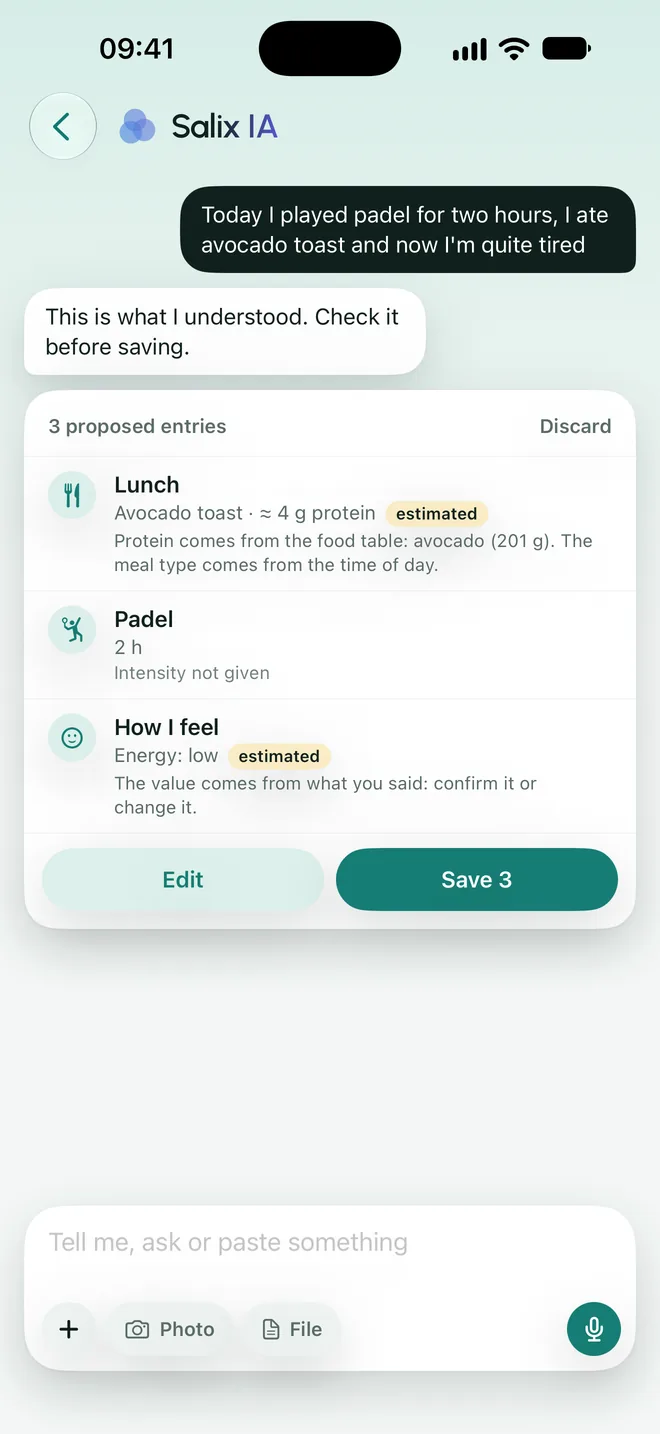
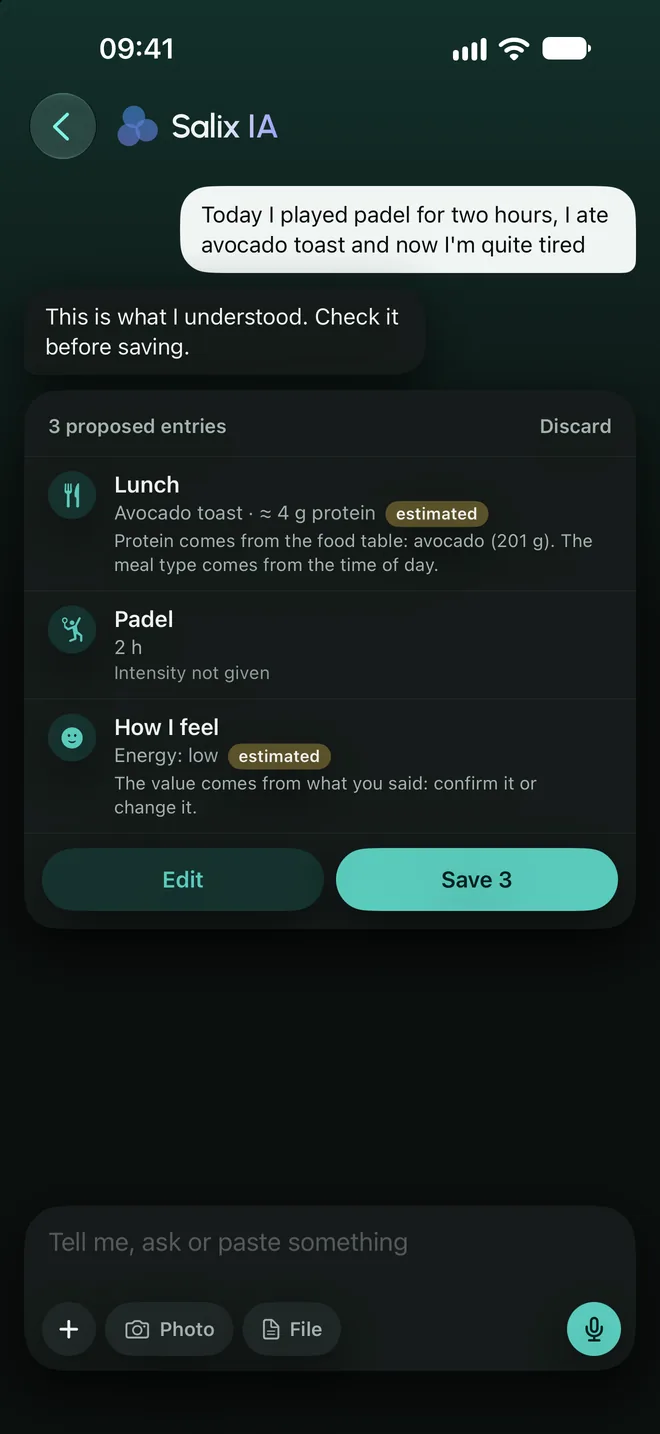
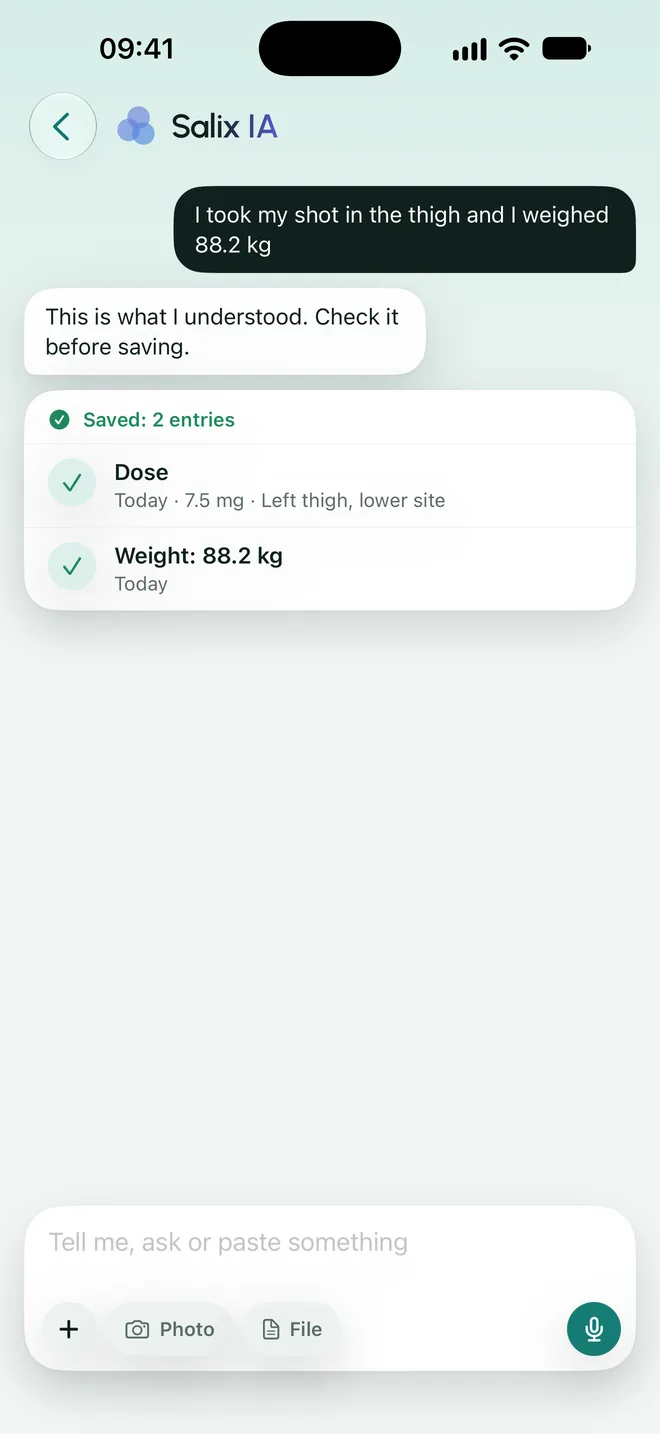
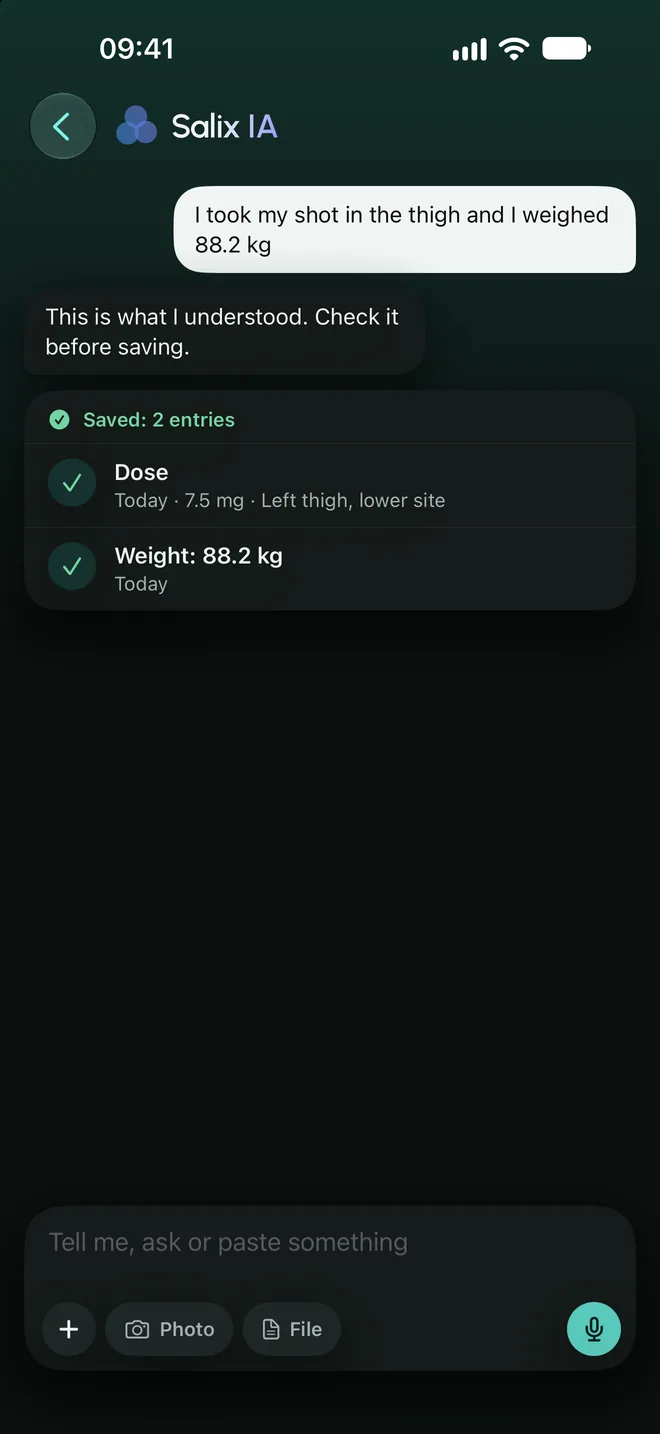
Tell it about your day. You confirm.
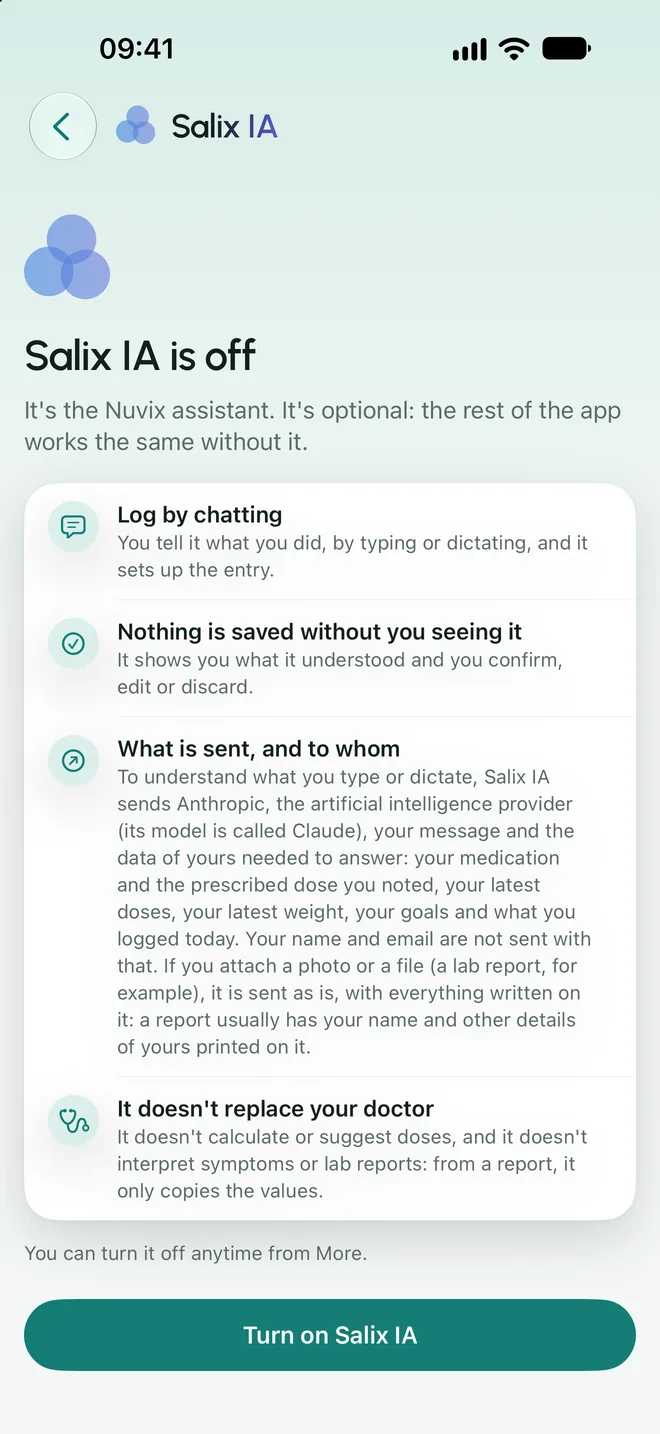
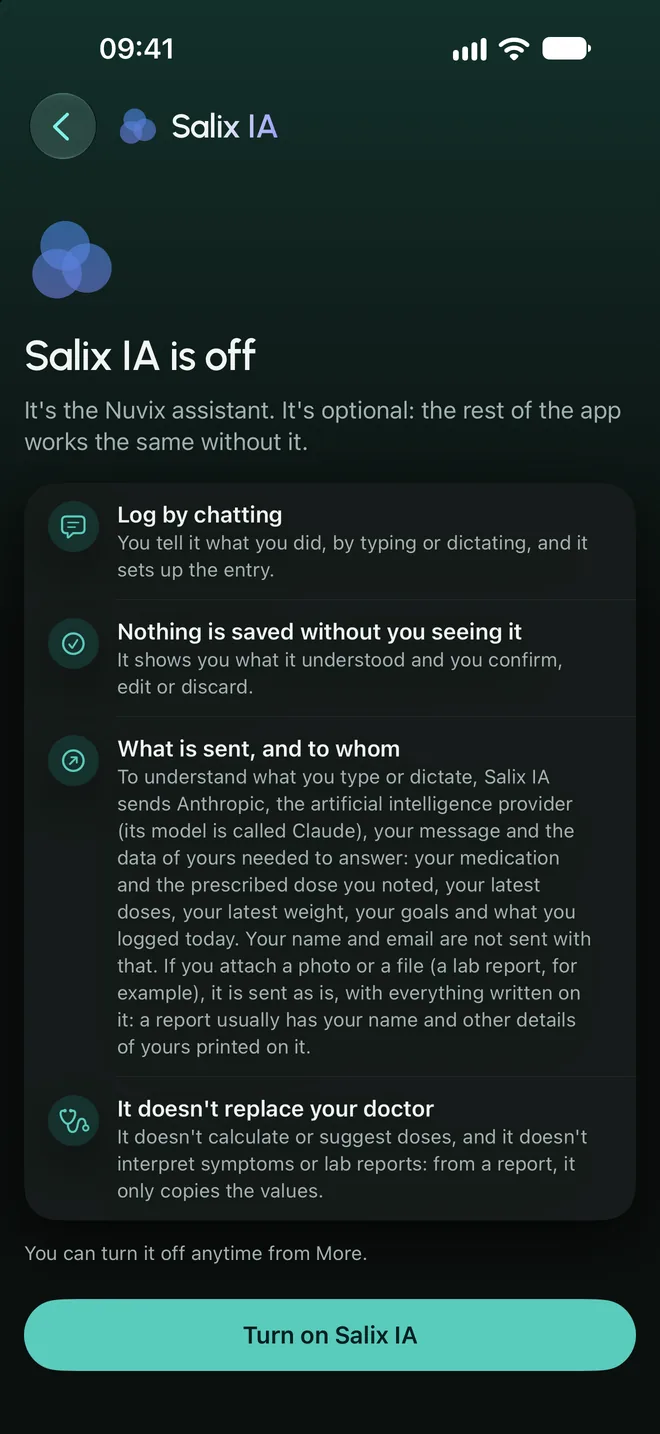
The Nuvix assistant builds the entries from what you tell it. It is optional and off by default.
- Text or voice
- You type or dictate. Dictation uses Apple’s speech recognition and the audio is not stored.
- It proposes, you decide
- Each proposal arrives as a card to save, correct or discard. Anything you did not say is marked as estimated.
- Limits that are not up for discussion
- It does not calculate or suggest doses, it does not interpret symptoms or lab results, and it does not give health advice. For those questions, it refers you to your doctor.
- With a named provider
- It uses Claude, by Anthropic. Your message and the minimum needed to understand it are sent; never your name or your email.
Report for your doctor
A PDF for your appointment.
It is titled “Treatment record” and gathers the facts for the period you choose.
It is data entered by you, and the report says so. It is not a medical document.